Business Hub in ChatGPT: How to Claim Your Business

On 10 November 2026 OpenAI opened Businesses in ChatGPT as a beta. It lets a business take over its own profile in ChatGPT and follow how often it is mentioned in conversations. The guides that have come out are in English and none of them says how it works in Sweden. So we tested the flow with a Swedish company the day after the launch.
Here we go through what the service does, what happened when we tested it and exactly how you claim your business.
What Business Hub is and what you can change
Business Hub is the part of ChatGPT where an approved business manages its profile. Claiming means you show that you represent the company and then get the right to change its details. OpenAI's page about the service describes how it is set up.
In the profile you can change these details:
- name and description
- phone and website
- category and logo
- opening hours and address
- images
OpenAI reviews the changes before they are published, and a published profile cannot be deleted or hidden. So go through the details carefully before you publish.

What the statistics show
Once the profile is verified you get statistics over 7 and 28 days that show four things:
- how often the business is mentioned in ChatGPT
- how many people have viewed the profile
- clicks to your website
- the most common topics in the conversations
My assessment is that Business Hub will become for ChatGPT what Search Console is for Google. There you see how your website appears in search results, and here, for the first time, you get figures directly from ChatGPT. Until now visibility in AI search could only be measured with your own prompts and samples.
One thing is worth knowing when you read the figures. For an online business a mention only counts when ChatGPT references your website, not when only the name is mentioned. The figure therefore probably shows fewer mentions than the real number.
Nor does a click confirm a visit or a purchase. If you want to know what traffic from ChatGPT actually delivers you need to measure it in your own analytics. How to do that is covered in How to Track AI Traffic in Google Analytics 4.
What applies in Sweden right now
All eligible businesses where ChatGPT is available can claim a profile. Eligibility depends on industry, location and OpenAI's own checks, and there is no list of countries. That does not go far for anyone who wants to know whether it can be done today.
When we tested on 11 November the company was already in the search with its address. After we had selected it ChatGPT showed this message:
”Join the waitlist to claim [the business]. We're gradually opening access to more businesses. Join the waitlist and we'll email you when you can continue.”
In other words OpenAI is opening the service to more businesses step by step and will email you when you can continue. Clicking Join waitlist with the company's email address was enough. In Sweden it is a waiting list today.
Three more things are worth knowing:
- Business Agents are a dedicated AI assistant that answers your customers directly in ChatGPT. For now they only apply to certain ecommerce and online service businesses in the United States.
- OpenAI's pages mention no fee for claiming during the beta. The flow may offer ad credit or ChatGPT Business but you need neither. Ads in ChatGPT are a separate matter that we describe in ChatGPT Ads: How Advertising in ChatGPT Works.
- Claiming does not guarantee more mentions. ChatGPT may use the details, but there is no promise that it will.
Is it worth doing?
My recommendation is that you join the waiting list now since it takes less than a minute. Prepare the verification at the same time so that it goes quickly when the email from OpenAI arrives.
Our assessment is that the profile will probably become more important as more people look for suppliers in ChatGPT. That is an assessment and nothing OpenAI has promised.
Business Hub does not come alone. Since 24 August 2026 ads have been shown in ChatGPT in Sweden, and Swedish companies can now start campaigns themselves in Ads Manager at ads.openai.com. The service is used by close to a billion people a week.
For a long time it has largely been Google that decided where a company appears when someone looks for a supplier. Now there is a second place where companies can influence how they appear themselves. Google is not going away, but no one can take their visibility for granted any more.
How to claim your business step by step
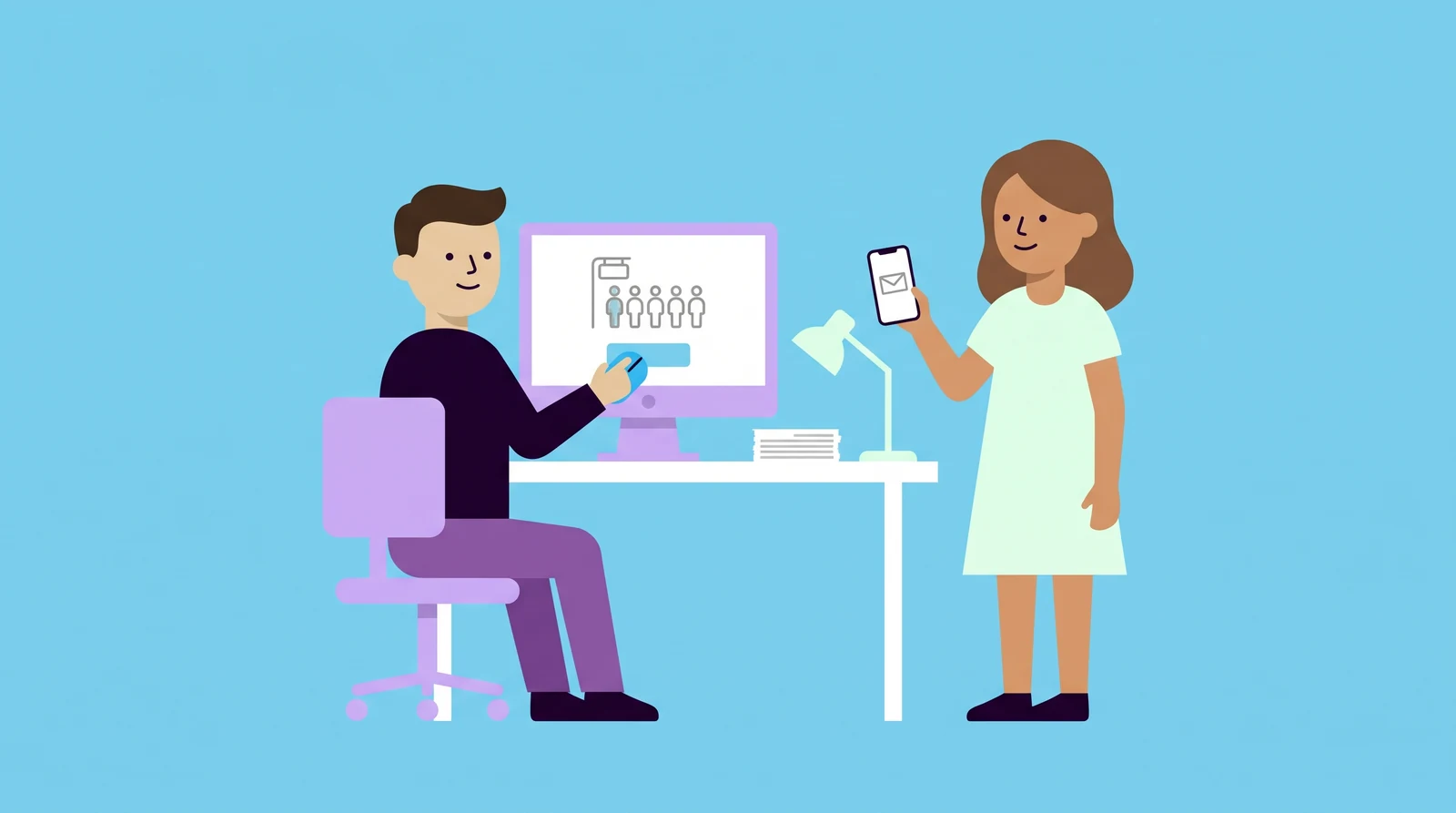
- Sign in. Open ChatGPT in your browser and sign in with the account that will own the profile. You do not need a paid account. Ideally use an account with the company's email address so that the profile does not depend on one person's private account.
- Go to Business Hub. Open chatgpt.com/business-hub and search for the company's name. You can also reach Business Hub from the sidebar in ChatGPT.
- Select the business. Check that the address is correct. If the business is not in the search you can sometimes create it, but this does not yet work for every type of business.
- Join the waiting list. In Sweden ChatGPT currently shows a waiting list message. Click Join waitlist and enter the company's email address. It takes less than a minute.
- Verify when OpenAI emails you. Keep an eye on the inbox for the address you gave, since that email is what lets you in. Then choose one of the methods offered and complete the identity check with ID. There are examples of approval arriving a few minutes after verification, and if nothing happens straight away it can help to reload the page.
- Fill in the profile. Go through all the details before you publish and then follow the statistics.
Prepare the verification now
Verification happens in two steps. First you show that you control the company's channels with one of the methods offered:
- the company's phone
- a company email
- a TXT record in DNS for the domain
- the Shopify store if you sell through Shopify
A TXT record is a line of text added to the domain's settings and it shows that you control the domain. If an agency or an IT provider manages your domain it is wise to tell them now so that they know such a request may come.
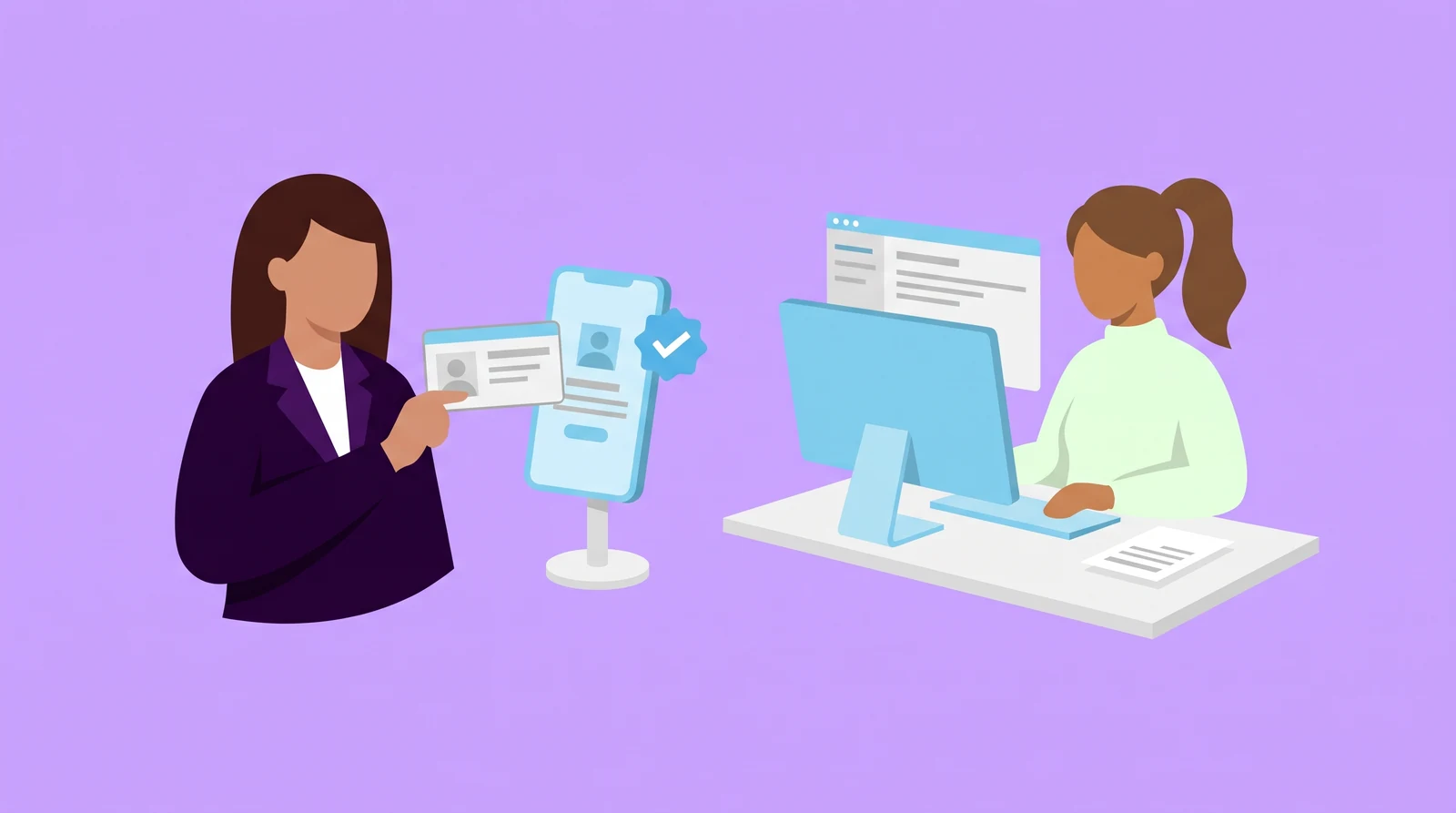
After that comes an identity check with ID through the service Persona. The blue check on the profile appears once Persona has approved it. So decide in advance who at the company will do the check and make sure that person has their ID to hand.
Once the profile is published
Then the statistics show whether ChatGPT mentions you and in which topics. Why an average can hide where you are missing is explained in AI search visibility: an average hides where you are missing. More about how we follow up ChatGPT and the other AI services is under our services.
Have you already joined the waiting list and do you know who will do the identity check when the email arrives?

Daniel Masajada is the founder of DigitalMassa and has worked with search since 2010.
Want to know where you stand?
The audit shows how you appear in Google and which questions in AI search mention your competitors instead of you. Free for 79 more days. Valued at 15 500 SEK.
Read more
 Robots.txt for AI crawlers: choose who can read your websiteHow to let AI search crawlers in and keep training crawlers out. The post includes a table of the crawlers and a ready-made robots.txt to start from.
 AI search visibility: an average hides where you are missingAn average across all questions hides where you are missing in ChatGPT, Gemini and Claude. How to measure AI search visibility by audience and intent.
 ChatGPT Ads: How Advertising in ChatGPT WorksAds have appeared in ChatGPT in Sweden since 24 August 2026. How they work, how they differ from being named in the answer and how to measure them.