
Robots.txt for AI crawlers: choose who can read your website
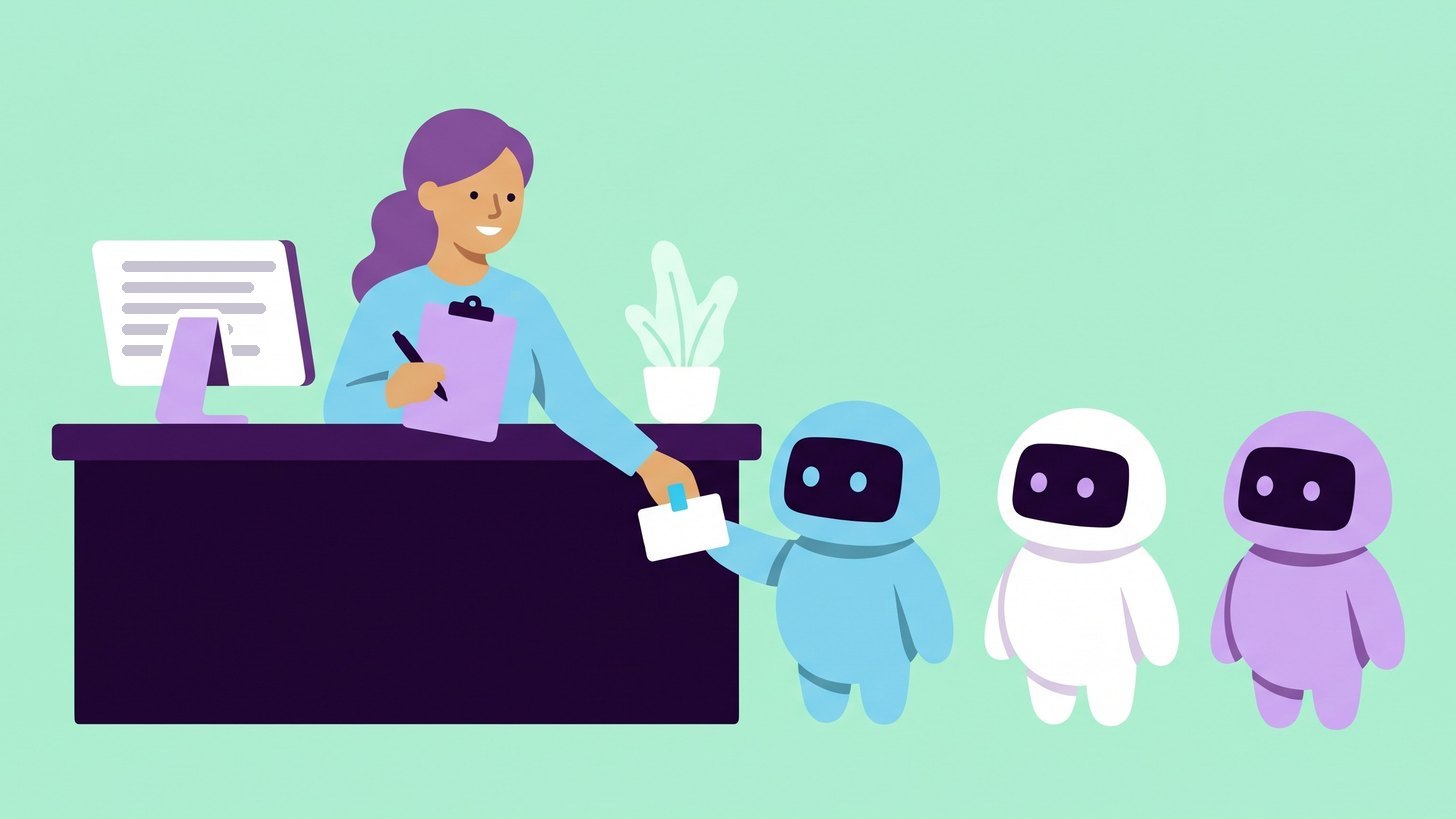
Robots.txt is the file where you tell crawlers which parts of your website they may read, and that includes the crawlers from AI services. My recommendation is to let in the crawlers that fetch pages for search in AI services and to make your own decision about training.
A common worry is that a block makes the company invisible in ChatGPT. The large AI companies use different crawlers for training and for search, so that only happens if you block the wrong one.
What robots.txt is and where the file lives
Robots.txt is a plain text file at the root of your website. For yourcompany.com it sits at https://yourcompany.com/robots.txt and it only applies to that exact address. A subdomain such as shop.yourcompany.com needs its own file.
The file is made up of groups of rules and each group starts with a User-agent line.
User-agentgives the name the crawler identifies itself with. An asterisk means every crawler that does not have its own group.Disallowsays what the crawler should not read.Disallow: /means the whole website.Allowopens up part of an area that is otherwise blocked.
User-agent: *
Disallow: /checkout/

User-agent: GPTBot
Disallow: /
Here every crawler may read the whole website except the checkout, while GPTBot from OpenAI may not read anything at all.
A crawler only follows the group that names it most precisely, so GPTBot ignores the rules under the asterisk. If you give a crawler its own group, you therefore need to repeat the general rules that should apply to it as well.
Within a group, the rule that matches the longest part of the address wins. If the group contains both Disallow: /customers/ and Allow: /customers/case-studies/, the crawler may read the case studies. If two rules are equally long, Allow wins according to Google's guide to robots.txt.
Three kinds of crawlers and where the choice lies
AI companies send out three kinds of crawlers, and the kind decides what a block does.
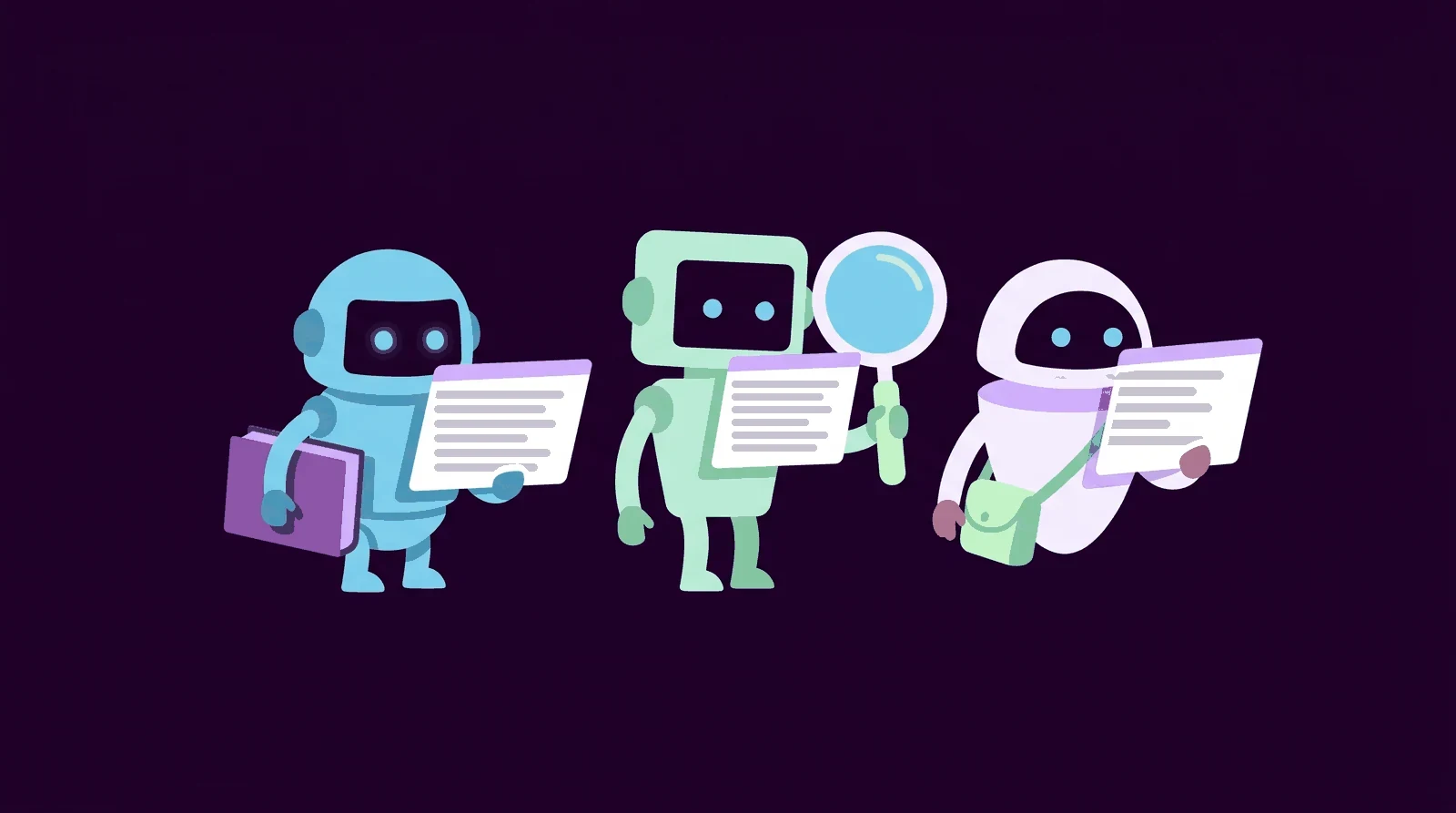
- Crawlers that collect text for training. They fetch content that may be used when the company trains its AI models. GPTBot and ClaudeBot are two examples.
- Crawlers that read pages for search. They build the AI service's search index. That is the list of pages the service can find and link to when it searches the web. OAI-SearchBot and Claude-SearchBot are two examples.
- Crawlers that fetch a page for a user. They visit a page when someone asks the AI service to. ChatGPT-User and Perplexity-User are two examples. Several companies state that robots.txt does not always apply to them because a person asked for the visit.
The choice lies between the first two. If you block training and let the search crawlers in, you can still be shown and linked when AI services search. If you block the search crawler, you may disappear from the answers. OpenAI, for example, states that websites that block OAI-SearchBot are not shown in the answers when ChatGPT searches.
The most important AI crawlers
The table is based on the companies' own documentation pages as of November 2026. The name in the first column is what you write after User-agent.
| Crawler | Company | What it does | If you block it |
|---|---|---|---|
| GPTBot | OpenAI | Collects text for training. | The content is not used for training. ChatGPT search is not affected. |
| OAI-SearchBot | OpenAI | Reads pages for search in ChatGPT. | You are not shown in the answers when ChatGPT searches. |
| ChatGPT-User | OpenAI | Fetches a page for a user. | The block does not always apply. Search is not affected. |
| OAI-AdsBot | OpenAI | Reviews landing pages for ads in ChatGPT. | Your ads cannot be reviewed. |
| Googlebot | Builds Google's search index. | You lose your visibility in Google Search. | |
| Google-Extended | No crawler of its own. Controls whether Gemini may be trained on the content and fetch it when it answers. | The content is not used to train Gemini or for answers in the Gemini apps. Google Search is not affected. | |
| ClaudeBot | Anthropic | Collects text for training. | New content is kept out of training. |
| Claude-SearchBot | Anthropic | Reads pages for search in Claude. | Your visibility in Claude's answers may drop. |
| Claude-User | Anthropic | Fetches a page for a user. | Claude cannot fetch the page. |
| PerplexityBot | Perplexity | Reads pages for search in Perplexity. Not used for training. | Your pages are left out of the search index. |
| Perplexity-User | Perplexity | Fetches a page for a user. | Generally ignores robots.txt. |
| Applebot-Extended | Apple | No crawler of its own. Controls training on what Applebot fetches. | The content is not used for training. You can still appear in Apple's search. |
| meta-externalagent | Meta | Collects text for training and for indexing in Meta's products. | The content is not used for that. |
| meta-webindexer | Meta | Reads pages for search in Meta AI. | Probably fewer citations and links in Meta AI. |
| CCBot | Common Crawl | Builds an open archive of the web that is used for training among other things. | Your pages are not fetched for new versions of the archive. |
| Bingbot | Microsoft | Builds the Bing index that Copilot draws its answers from. | You lose both Bing and Copilot. |
Google-Extended and Applebot-Extended do not fetch anything themselves. Google and Apple read pages with their usual crawlers, and the line in robots.txt only states what the content may be used for.
Google-Extended does not remove you from AI Overviews either. Since 31 August 2026 they have been controlled by a separate setting in Search Console called Search generative AI. If you opt out of AI Overviews and AI Mode there, you get no clicks from them. According to Google, rankings in the rest of the search results are not affected.
Microsoft does not name a separate crawler for Copilot because Copilot fetches its web answers from Bing. Blocking Bingbot therefore removes you from both. To opt out of training, Microsoft currently reads the noarchive meta tag in the page code. It also removes the page from Copilot's answers. From 1 February 2027 Microsoft will instead read a shared training line in robots.txt that Google also plans to support.
If you advertise in ChatGPT, OAI-AdsBot must be able to reach your landing pages. I cover that in the post on ads in ChatGPT.
A robots.txt that lets search in and blocks training
This is what the file can look like for a company that wants to be visible in AI search but does not want its content used for training.
# All crawlers without their own group
User-agent: *
Disallow: /checkout/

# Training of AI models
User-agent: GPTBot
User-agent: ClaudeBot
User-agent: Google-Extended
User-agent: Applebot-Extended
User-agent: meta-externalagent
User-agent: CCBot
Disallow: /

Sitemap: https://yourcompany.com/sitemap.xml- Lines that start with # are comments that crawlers skip.
- The asterisk group applies to every crawler without its own group. They may read everything except the checkout.
- The search crawlers are not mentioned at all and therefore follow the asterisk group. Googlebot and OAI-SearchBot can read as usual.
- The six User-agent lines form a single group, so
Disallow: /applies to all six. Sitemapstates where the sitemap listing all your pages is. The line is optional but helps crawlers find everything.
If there is no file at all, every crawler may read everything. If you also want to allow training, the asterisk group is enough.
Robots.txt is a request that crawlers choose to follow
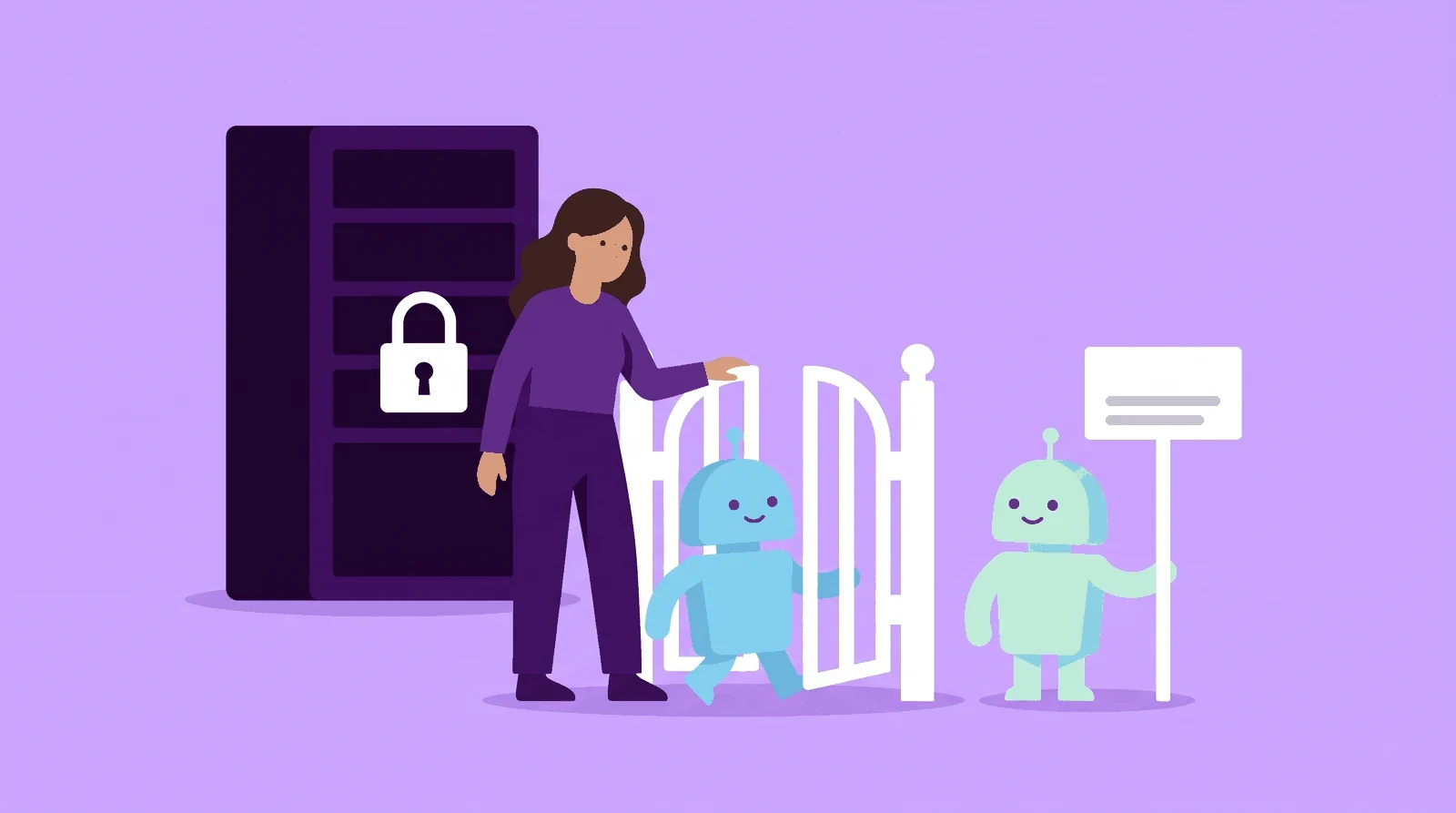
Robots.txt does not lock anything. The standard for the file states explicitly that the rules are not a form of access authorisation. Reputable crawlers follow them, and anyone who ignores them can still reach the pages.
If you want to block for real, you do it on the server or with your CDN. That is the network of servers that delivers the website to visitors, and Cloudflare is a common example.
Blocking with Cloudflare
Cloudflare has three features for AI crawlers, and according to Cloudflare all three are available on every plan.
- Configure AI bot policies. Here you choose whether crawlers in the Search, Agent and Training groups are allowed or blocked. The block can cover the whole website or only pages with ads. It happens at Cloudflare before the visit reaches your server.
- Managed robots.txt. If you turn on Bot Preference Sync, Cloudflare writes your choices at the top of robots.txt.
- AI Crawl Control. Shows which AI crawlers visit your website and how often they break your robots.txt rules. There you can also allow or block each crawler individually.
Blocking on your own server
Without Cloudflare, whoever runs your website can refuse the crawlers directly on the server. The simplest way is to refuse them by User-agent, but the name can be faked. It is safer to check against the IP ranges the companies publish. These are lists of the addresses the crawlers visit you from, and OpenAI, for example, has one list per crawler on its crawler page.
How to check that the rules work
- Open the file. What you see at your robots.txt in the browser is what the crawlers see.
- The robots.txt report in Search Console. The report shows which files Google has found and when they were last read, along with any errors. After an important change you can ask Google to read the file again. The report only covers Google's crawlers.
- Server logs. Every visit shows up there with the crawler's name, so you can see whether any of them still fetch pages you have blocked.
- Give it a day. OpenAI states that it can take about 24 hours for its systems to follow a changed file. Google normally caches the file for up to 24 hours.
What the search crawlers give back shows up in your visits. In the guide to tracking AI traffic in Google Analytics 4 I show how to group visits from AI services in a channel of their own.
My view: let search in and make your own call on training
My view is that most companies that want to be visible in AI search should let the search crawlers in. They are what allows AI services to find and link to you when customers ask. I would also let in the crawlers that fetch pages for users, since it is often a potential customer who asked for the visit.
Training is a separate decision that depends on what you sell.
- Allow training if you want the models to know about your company even when they answer without searching. My reading is that what the models learned during training plays a part in those answers.
- Block training if the content is the product itself. Paid courses and reports are typical examples.
- Protect pages that should not be read at all with a login. Robots.txt is not enough there.
The companies rename their crawlers and add new ones. Check the file against the companies' own pages once a quarter.
Start by opening your robots.txt
The next step is to open your robots.txt together with whoever runs your website and compare it with the table. That way you can change the file straight away.
Robots.txt only decides who gets to read. Whether your company is actually mentioned when customers ask AI services is the next question. You can read how we measure AI search visibility among our services.
Which of the crawlers do you let in today, and is that a decision you made yourselves?

Daniel Masajada is the founder of DigitalMassa and has worked with search since 2010.
Want to know where you stand?
The audit shows how you appear in Google and which questions in AI search mention your competitors instead of you. Free for 28 more days. Valued at 15 500 SEK.
Read more
 How to Track AI Traffic in Google Analytics 4How to group traffic from ChatGPT, Perplexity, Gemini and other AI services into its own channel in Google Analytics 4. With the setup step by step and a ready-made regex.
 ChatGPT Ads: How Advertising in ChatGPT WorksAds have appeared in ChatGPT in Sweden since 24 August 2026. How they work, how they differ from being named in the answer and how to measure them.