
Google Ads for Chains and Franchises: Right Office, Right Town
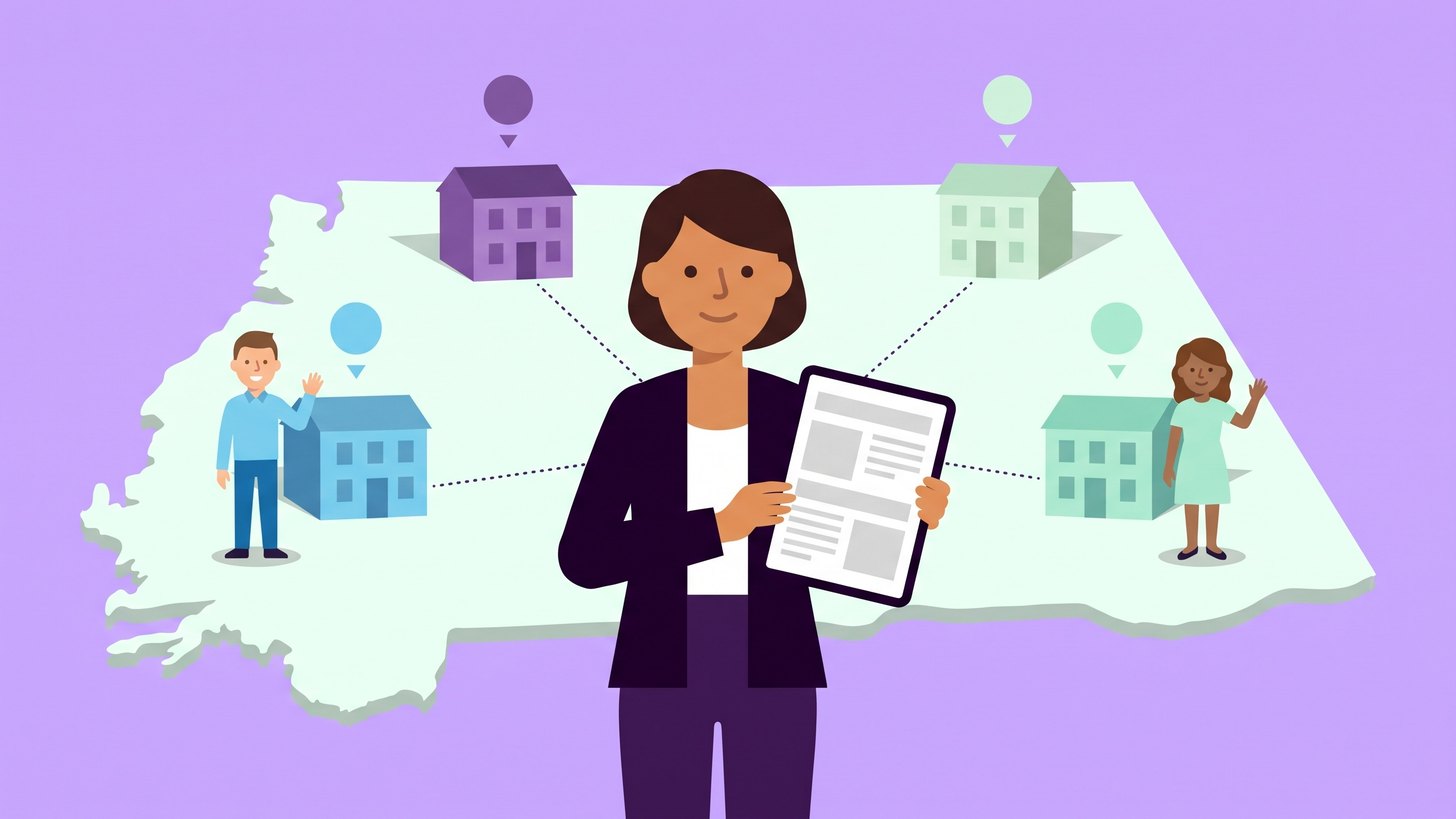
A chain or a franchise network has one brand and many offices. Each office wants to be seen when someone in its town searches for what the office sells. If the offices advertise without shared boundaries they easily end up in the same searches and fight over the same customers. The searcher may also end up at an office in another town.
This post is about how each office shows up in its own town in Google Ads without the offices competing with each other. It covers location targeting and campaigns per town but also the pages the ads lead to and the offices' profiles on Google.
My recommendation is that you decide who owns which search before anything is built. Head office owns the brand and each office owns its town. The campaigns and pages are then built around that split.
Why the offices end up in the same auctions
Every search on Google starts an auction that decides which ads are shown and in what order. If the offices have their own accounts and bid on the same keywords in the same area they enter the same auctions.
Google's Unfair advantage policy says that a business may only show one ad at a time in the same ad location on the results page. Offices with the same brand and the same website are probably counted as the same business. They then cannot both appear at the top for the same search and only one of the offices gets the impression. The searcher lands at the office that won the auction and that is not always the one that is closest.
If all offices sit in the same account the situation is different. Keywords that lead to the same website then do not compete against each other. According to Google's help page on prioritisation Google picks one of them before the auction. But it is still Google that chooses the office unless you steer it with location and keywords.
The Auction insights report shows which other websites appear on the same searches as you. If your own domain is in the list it is probably another office or another account bidding on the same searches. How to read the report is covered in the post on how to read your competitors in Auction insights.
Decide who owns which search
An example: a dental chain has clinics in Uppsala, Västerås and Örebro. In the table the word brand stands for the chain's name.
| The search | Example | Owned by |
|---|---|---|
| The brand | brand | Head office |
| The brand and a town | brand uppsala | The clinic in Uppsala |
| The service and a town | dentist uppsala | The clinic in Uppsala |
| The service without a town | dentist | The clinic closest to the searcher |
Head office pays for the pure brand. It belongs to the whole network and should not burden a single office's budget. The brand together with a town belongs to the office in that town and so do the local searches.
This is how we do it: each office gets two campaigns that mirror each other. One captures searches that include the office's town and runs across the whole country. The other captures searches without a town and runs only in the office's local area. Someone sitting in Stockholm searching for dentist uppsala then lands at the clinic in Uppsala. So does someone standing in the square in Uppsala searching for dentist.
The boundary is never completely watertight. Some visitors move on to another office's pages and that is fine as long as everyone expects it.

Location targeting that follows the office's area
Location targeting decides where the ad is shown. You can choose whole areas such as municipalities and postcodes or a radius around the office's address. Under location options in the campaign settings there are then two choices according to Google's help page on location options.
- Presence or interest is the default. The ad is shown to people who are in or regularly in the area and to people who have shown interest in it. Interest can for example mean that they have searched for the town or read about it.
- Presence shows the ad only to people who are in or regularly in the area.
For the campaign with the town in the keywords the choice matters less. It runs across the whole country and the keyword already says which town it is about. For the campaign without a town my assessment is that Presence fits best. Otherwise the ad for Uppsala can be shown to someone in Örebro who has only read about Uppsala.
When two offices are close to each other the areas overlap. Split them so that each municipality or postcode belongs to only one office. According to Google, excluded areas only apply to people who are located there. Someone searching for the office's town from an excluded area is therefore still caught by the campaign with the town in the keywords.
Local keywords should be the office's own area
Local keywords are searches that contain a place. It can be the town but also nearby districts such as dentist luthagen or dentist svartbäcken. They should be about the office's own area and the places its customers actually come from.
It can be tempting to add neighbouring districts or a bigger city because they have more search volume. We don't do that. A district that belongs to another office is that office's market. A district that no office covers probably brings clicks from people who would rather choose somewhere closer.
If the office's own local keywords have low volume we include them anyway and state the volume. My assessment is that a few searches in the right town are worth more than many searches in the wrong one.
Also add the other offices' towns as negative keywords in each office's campaigns. Then dentist västerås does not end up with the clinic in Uppsala even if the keywords use broad match. How a short daily review of the searches works is covered in the post on negative keywords as a daily routine.
The ad copy should mention the town and preferably the district or the address. That is what sets the office apart from a competitor advertising across the whole country.
A landing page of its own for each office
The ad for the clinic in Uppsala should lead to the page for the clinic in Uppsala. A good office page has this:
- the address and how to get there
- phone number and opening hours for that particular office
- the people who work there with names and photos
- a form or a booking that goes straight to the office
- something that only applies to that town such as parking or the nearest stop
Pages that only swap the town name in the same text are not enough. Google describes pages per town that funnel visitors on to one and the same page as doorway pages and they are listed in Google's spam policies. The policies apply to regular search but a thin page also gives a worse experience to the person who clicks the ad.
Also review the sitelinks. They are the extra links below the ad. Google can create its own sitelinks from the whole website and they can lead to another office. The automatic sitelinks can be turned off under Assets in the account. Why each ad group needs sitelinks of its own is covered in the post on one ad text per search intent.

One business profile per office
Google Business Profile holds the office's details in Google Maps and in the search results. Each office should have its own profile. According to Google's guidelines for Business Profiles all locations in the same country must have the same name. The profile should also have a phone number or a website that represents the individual location. So link the profile to the office's own page.
If the network has ten or more locations head office can verify all profiles in bulk.
The profiles are linked to Google Ads as location assets. The ad can then show the address of the office. With location groups you choose which offices may be shown in each campaign. The simplest way is to give the profiles labels in Business Profile and filter on them. Otherwise the campaign for Uppsala can show the address in Västerås.
Head office should have access to all profiles and all ad accounts. Otherwise it is not possible to keep the details correct when an office moves or changes its number. Who should own the accounts is covered in the post on how to switch agency without losing your history.
What I look at first
These are the questions I start with when we review the advertising for a network with many offices.
- Which offices advertise and in which accounts?
- Are there searches where two offices appear or bid at the same time?
- Does each ad lead to the right office's page with the right address and number?
- Does each office have its own verified business profile that links to the office's page?
- Are the local keywords the office's own area?
Next steps for you
We build Google Ads for chains and franchise networks on a shared foundation where each office owns its town. We split the searches and set up the campaigns per office. Then we check that ads, pages and profiles point to the right office. How it works is described on our services page.
Do you know which of your offices gets the customer when someone searches for your service and one of your towns?

Daniel Masajada is the founder of DigitalMassa and has worked with search since 2010.
Want to know where you stand?
The audit shows how you appear in Google Ads compared with your competitors and where you are missing. Free for 27 more days. Valued at 15 500 SEK.
Read more
 Switch Agency Without Losing Your History: Who Should Own the AccountHow to keep your Google Ads account and conversions when you switch agency. Who should own what and what to check before and after the switch.
 How to Choose an SEM Agency: What to Ask Before You SignWhat to require from a search advertising agency and which questions to ask before you sign. Also a checklist for the collaboration afterwards.
 How We Audit a Google Ads Account: Eight Points We Start WithThe eight points we always review first in a Google Ads account. We start with measurement and finish with the landing pages.