Switch Agency Without Losing Your History: Who Should Own the Account
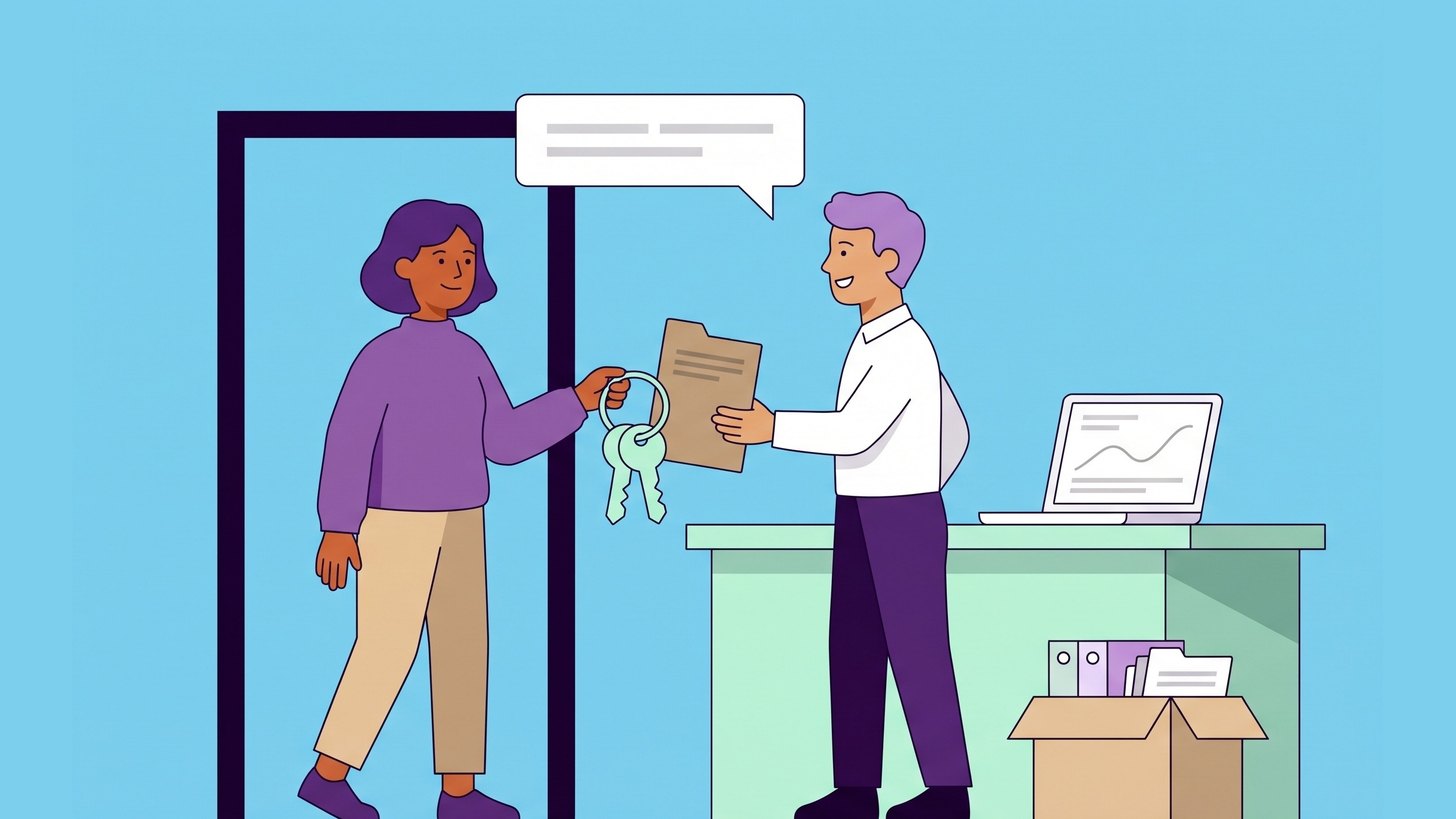
When a company switches agency, the campaigns are rarely the hardest thing to take with you. What risks being lost is the history. By history I mean the conversion data the bid strategies have learned from and the audiences that have been built up over time. It also includes the search terms and the changes that show what has already been tried.
The history stays as long as you continue in the same Google Ads account. It can be lost if the account is in the agency's name or if parts of the measurement sit in the agency's own accounts. This post goes through who should own what and what comes with you. It also covers what to check before and after the switch. How to choose the new agency is covered in the post about choosing an SEM agency.
My recommendation is that your company is an administrator in every account before you give notice to the old agency. Then let the new agency continue in the same Google Ads account rather than starting a new one.
Why the history is worth keeping
The bid strategies that optimise for conversions learn from which clicks have led to purchases or enquiries. According to Google, campaigns and bid strategies that lack history may see fluctuating results at first. A new account has no history at all.
- The conversion data is what the bidding learns from.
- The remarketing audiences can hold visitors from up to 540 days back. In a new account they start at zero.
- The search terms show which searches have cost money without giving anything back and which have brought in business.
- The change history shows what has been changed, and by whom, over the past two years.
My assessment is that a new account is only the right choice when the old one cannot be accessed or has problems that cannot be fixed.
Who should own what
The basic rule is that the accounts are in your company's name and that the agency is given access to them. That way you can remove an agency without anything disappearing. The table shows the most common accounts and the access the agency needs.
| Account | Your company | The agency |
|---|---|---|
| Google Ads | Administrator, with billing in the company's name | Link via the agency's manager account |
| Google Analytics 4 | Administrator of the account that holds the property | Editor or Marketer |
| Google Tag Manager | Administrator of the account | Publish in the container |
| Merchant Center | Administrator | Standard or Administrator, depending on the work |
| Search Console | Verified owner | Full user |
| Google Business Profile | Primary owner | Manager |
In Google Ads only administrators can give others access and unlink a manager account. This is set out on Google's page about access levels. Use an email address that belongs to the company, and preferably add two people so that access does not disappear when someone leaves.
If the agency created the accounts
The agency may have created the Google Ads account and perhaps also pays for the ads and invoices you. The account and its history can still become yours.
- Ask the agency to invite you as administrators in Google Ads using the company's email address.
- Check who pays for the ads. If the agency pays through its own monthly invoicing, Google says the billing has to be changed before the agency's manager account is unlinked.
- Check which manager accounts are linked to the account. One of them may have ownership of the account, and according to Google the administrators in your account can still always unlink it.
- If the Google Analytics 4 property sits in the agency's account, it can be moved to your account. This requires administrator rights in both accounts, and the reporting data comes with it.
How the link is removed and what happens then is described on Google's page about unlinking accounts from a manager account. The campaigns and the history stay in your account.
What does not come with you when the agency is unlinked
Some things may sit with the agency and disappear with it. These are what you need to look for before the switch.
- Conversions the agency has created in its manager account. According to Google, they stop recording conversions for new clicks once the link is removed. If your account has its own conversion tag on the website, it starts counting again.
- Audiences the agency shares from its manager account. Your account loses access to them, and ad groups that target them stop running.
- Negative keyword lists the agency has built in its manager account. Copy them to your own account before the switch.
- Scripts and automated rules that run from the manager account.
- A Google Tag Manager container that sits in the agency's account but is installed on your website. It cannot be moved, but it can be exported to your own account. It then gets a new ID and the website needs to be updated. Google itself recommends that the Tag Manager account is managed by someone in your own organisation.
- A Merchant Center account that sits as a sub-account with the agency. It cannot be made standalone on your own, so it is better for the agency to be added as a user in your own account. Why the product data in Merchant Center matters for your ads is covered in the post Your Product Feed Is the Ad.
- Call tracking numbers and landing pages that the agency has built in its own tools.

Before the switch
Go through these steps while the old agency still has its contract. That way you can ask questions while someone has time to answer.
- Make a list of all accounts and who has access to them.
- Add your company as administrator wherever that is missing.
- Check where each conversion action sits. If it sits in the agency's manager account, your account needs its own action measuring the same thing before the switch.
- Check which Google Tag Manager container is installed on the website and who owns it.
- Export the results per campaign for the last twelve months. This becomes your baseline for comparison.
- Ask the agency for a written handover of ongoing tests and of the scripts and rules that are running.
On the day of the switch and the weeks after
- Accept the link to the new agency's manager account.
- Unlink the old agency's manager account and remove the agency's users from all accounts. In Search Console, also remove previous owners' verification.
- Check that conversions keep being recorded over the next few days.
- Check that billing works so that the ads do not stop.
- Hold off on major changes for a few weeks so that you can compare with the baseline from before the switch.
The new agency should start by reviewing the account. How we do that is described in the post about how we audit a Google Ads account.

What we can do for you
When we take over a Google Ads account from another agency, we go through access and measurement with you before the old agency is unlinked. Billing is checked at the same time. Then we start with an audit of the account. If the account is in the agency's name, we help you get it into the company's name.
Who are the administrators of your Google Ads account?

Daniel Masajada is the founder of DigitalMassa and has worked with search since 2010.
Want to know where you stand?
The audit shows how you appear in Google Ads compared with your competitors and where you are missing. Free for 27 more days. Valued at 15 500 SEK.
Read more
 How to Choose an SEM Agency: What to Ask Before You SignWhat to require from a search advertising agency and which questions to ask before you sign. Also a checklist for the collaboration afterwards.
 How We Audit a Google Ads Account: Eight Points We Start WithThe eight points we always review first in a Google Ads account. We start with measurement and finish with the landing pages.
 A Budget That Lasts the Whole Month: Track Your Daily SpendGoogle Ads can spend twice the daily budget on a single day but no more than 30.4 daily budgets a month. Here is how to track spend so the budget lasts.