
Negative keywords: a daily routine that stops costly clicks
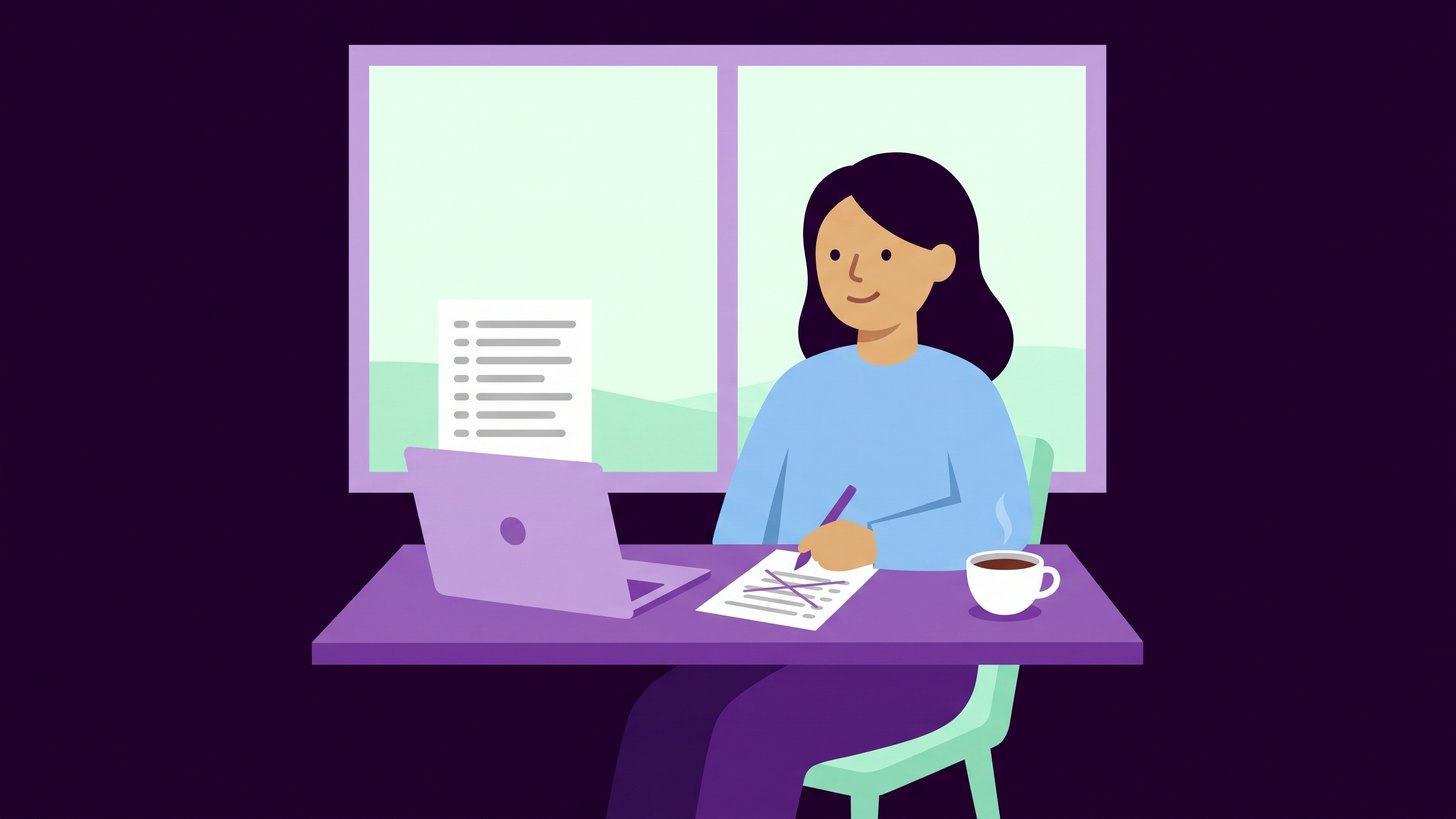
Negative keywords are words and phrases you tell Google your ads should not show for. They are the simplest way to stop paying for clicks from people who will never become customers. The need does not go away once the account is set up, because new searches appear all the time. With broad match, Google can also show your ads on searches that are only related to your keywords.
A single click on the wrong search rarely costs much. The problem is that the same search comes back day after day until someone switches it off, and the cost grows without anyone noticing.
My recommendation is that someone reads the search terms every morning and adds negatives straight away. Done daily, the list is short and the review is quick. Left for a month, the list grows long and gets read less carefully.
What the search terms report shows
The search terms report in Google Ads shows the searches that actually triggered your ads. A keyword is what you have added to the campaign, and a search term is what the person typed into Google. The report also shows which of your keywords matched the search. I explain how keywords and match types fit together in the post on search ads in Google Ads.
Not every search is shown. According to Google's help page on the report, searches made by too few people are left out for privacy reasons. Searches that come back often are shown, though, and those are exactly the ones the routine is meant to catch.
How the morning review works
This is how we do it when we review an account. The review follows the same steps every day so that it is quick and nothing is skipped.
- Open the search terms report for the last three days. Three days give a little overlap so that nothing falls between two reviews.
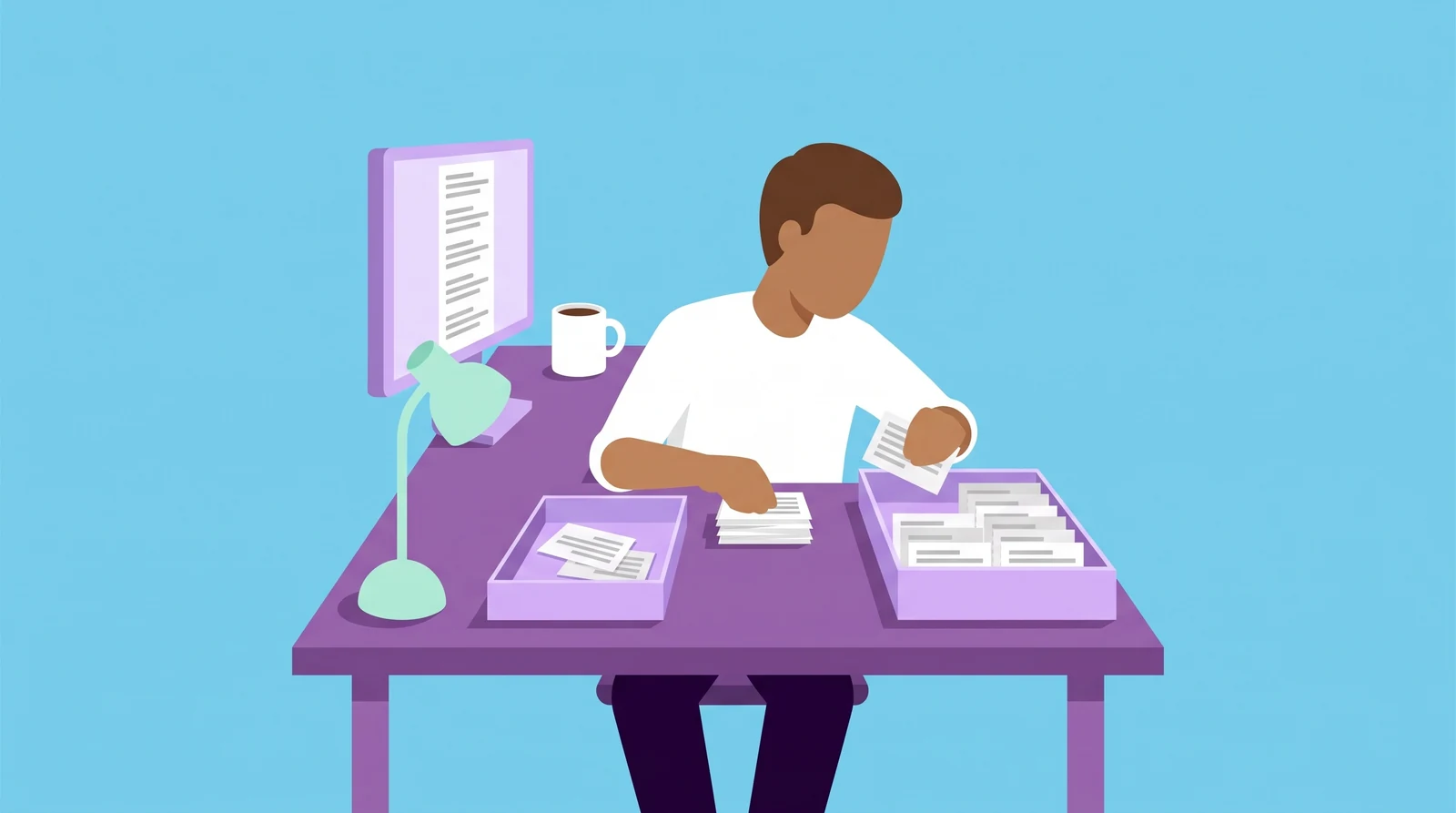
- Sort by cost and read the searches you have not assessed before.
- For each search, ask yourselves whether the person behind it could become a customer.
- Add the searches that never lead to business to a shared negative keyword list.
- Check that the negative does not block any of your own keywords.
- Write down what you added and why. That way you can undo a negative that turns out to be wrong.
Step three is the one that takes judgement. A search can look odd and still come from a buyer. If you are unsure, the search can stay for a few days so that you have more clicks to judge it on.
Step five prevents a common mistake. A broad negative keyword such as cheap can block searches you are paying for elsewhere in the account. The check is quick and protects you from switching off searches that actually bring in business.
Searches that are often wrong
Which searches are wrong depends on what you sell. Some groups are still common in many accounts.
- Information searches with words such as what is, meaning and how does when you sell something and do not want to pay to explain it.
- Job searches with words such as salary, jobs and vacancies.
- Free and second-hand when you only sell new.
- Products and places you do not offer.
- Other companies' log-in and customer service where the person is already a customer somewhere else.
An example: a company that sells coffee machines to offices finds the search coffee machine spare parts in the report. If the company does not sell spare parts, that is a search to exclude. The search rent coffee machine office, on the other hand, may come from a buyer if the company also rents out machines.
Choose the right match type for the negative
Negative keywords have their own match types, and they work differently from the normal ones. The table is based on Google's help page on negative keywords and uses the example above.
| Match type | Written like this | The ad does not show when the search | Blocked | Not blocked |
|---|---|---|---|---|
| Broad | coffee machine spare parts | contains all the words in any order | spare parts for coffee machine | coffee machine spare part |
| Phrase | "coffee machine spare parts" | contains the words in the same order | coffee machine spare parts price | spare parts coffee machine |
| Exact | [coffee machine spare parts] | consists of exactly those words and no others | coffee machine spare parts | coffee machine spare parts price |
Two things are worth knowing. Negatives do not match close variants, so you need to add synonyms and both singular and plural forms yourselves. Misspellings and differences in capitalisation, however, have been covered automatically by Google since June 2024.
If you add a negative straight from the search terms report, it becomes exact match by default according to Google. That suits whole searches where the individual words are reasonable on their own. If a single word is always wrong for you, it is enough to exclude the word with phrase or broad match. All searches containing it are then blocked.
Put the negative at the right level
Negative keywords can sit at several levels, and the level decides how much the negative blocks.
- A shared list suits searches that are wrong in every campaign. The list is created in the account's shared library and then linked to the campaigns. According to Google, an account can have up to 20 lists with at most 5 000 negatives in each.
- The campaign level suits words that are wrong in one campaign but right in another.
- The ad group level is used to steer a search to the right ad group when two groups compete for the same searches.
- The account level applies to searches in Search and Shopping campaigns and in Performance Max too.
We put most negatives in a shared list that is linked to every active campaign. The campaign for your own brand may need to be left out, because a word that is wrong in a product campaign can be right when someone searches for your name together with that word. New campaigns should get the list from the start. Otherwise they pay for searches the other campaigns have already blocked.
Why we do it every day
The same review can be done once a month. The difference is that an irrelevant search then has weeks to cost money before anyone sees it. The list also gets so long that it is easy to read it carelessly.
My assessment is that automated bidding does not replace negatives. Bidding can lower the bids on searches that rarely lead to a sale, but it does not switch them off. More on how the different strategies work is in the post on bid strategies in Google Ads.
The routine also needs an owner. If an agency runs the account, you can ask to see the list and the log. It is a good question to ask as early as when you choose an agency.
Parts of the routine can be automated. A script can fetch the search terms every morning and suggest negatives. The judgement still needs to rest on an up-to-date description of what the company sells, so that no real buyers are shut out. We build scripts like that as part of our AI agents and automation work.
Your next step
Open the search terms report for the past week together with whoever runs your account and go through three questions.
- Which searches have cost money without having anything to do with your business?
- Is there a shared negative keyword list, and is it linked to every active campaign?
- Who reads the search terms, and how often does it happen?
We can set up the routine in your account with a shared list on every campaign, a daily review and a log you can read yourselves. It is part of how we work with Google Ads.
When did someone last add a negative keyword to your account?

Daniel Masajada is the founder of DigitalMassa and has worked with search since 2010.
Want to know where you stand?
The audit shows how you appear in Google Ads compared with your competitors and where you are missing. Free for 27 more days. Valued at 15 500 SEK.
Read more
 One ad text per search intent: separate copy for each ad groupEach ad group needs its own headlines, descriptions and sitelinks that answer that particular search. This is how we build the texts and how to review yours.
 How to Write Good Ad Copy for Google Ads20 principles for Google Ads copy with an example for each, plus the most common mistakes to avoid.
 Google's AI writes your ads: how to review the textsGoogle can write headlines and descriptions in your name. Who reads them? Here is where the texts are created and a routine for reviewing them every week.