Your Product Feed Is the Ad: How to Fix Titles and Images
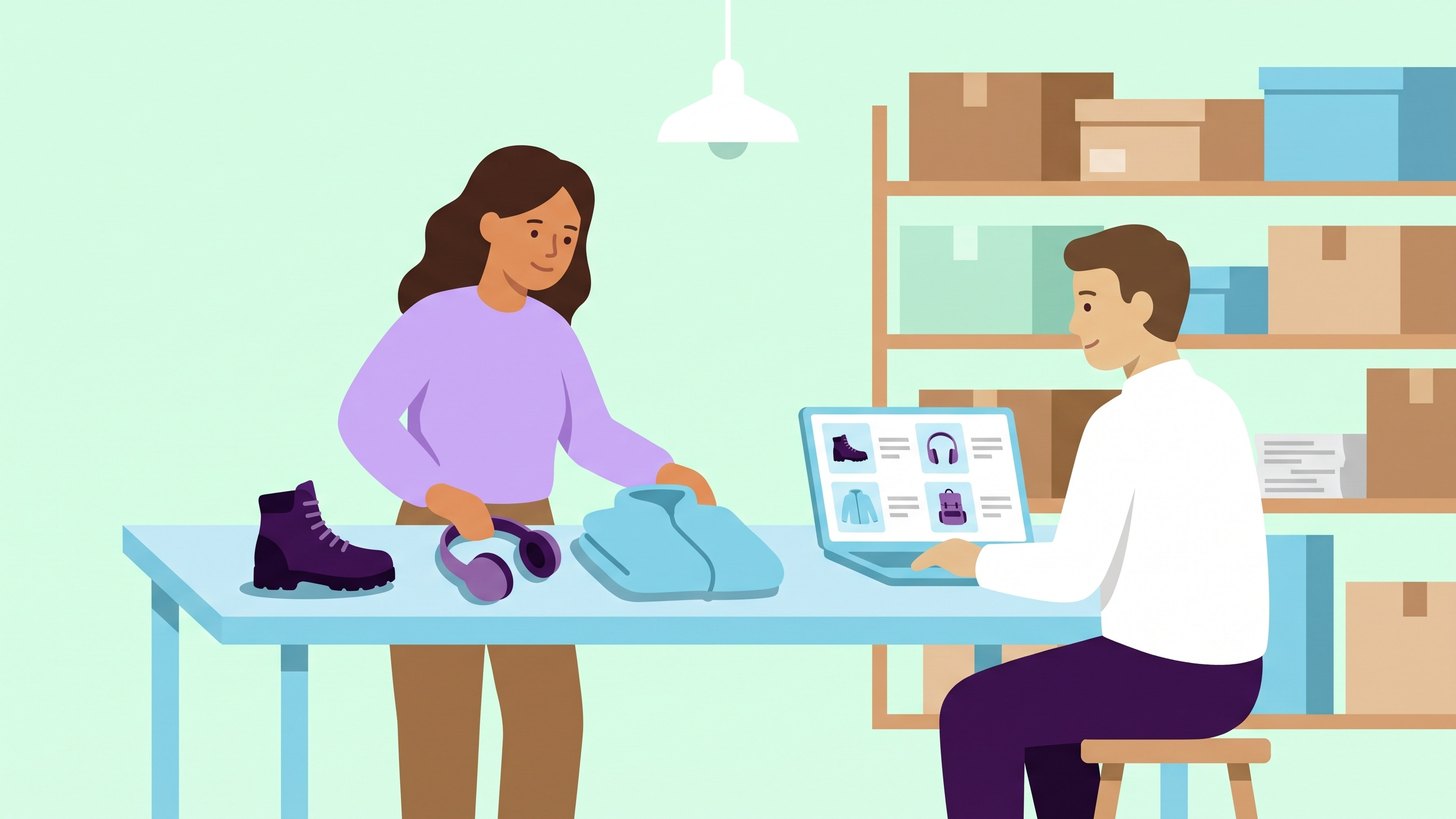
An online shop that advertises in Shopping or Performance Max does not write its own ads for its products. Google builds the ads from what is in the product feed. That is the file or connection that sends your range to Google Merchant Center with a title, image, price and a number of other details for each product.
The feed also controls where your products appear. According to Google's help page on Shopping ads it is the product data in Merchant Center that decides how and where the ads are shown, and keywords are not used at all. The title therefore does the same job as the keywords in a Search campaign.
My recommendation is to treat the feed as your most important ad. First fix whatever stops products completely, then go through the titles and images of the products that sell the most.
Why the product feed is the ad
A Shopping ad essentially consists of an image, a title and a price, and all of it comes from the feed. According to Google's rules for titles the title is used to match the product to what the customer is searching for. If nothing in the feed says the boots are waterproof, it is hard for Google to show them to someone searching for waterproof hiking boots.
The same feed is used in Performance Max and in the free product listings on Google. A mistake in the feed therefore shows up in several places at once. I explain what separates the campaign types in the article on Standard Shopping or Performance Max.
The title should start with what the customer searches for
A title can be up to 150 characters long. Google says most people only see the first 70 characters or fewer, depending on the screen. Whatever sets the product apart therefore needs to come first.
This is how we build titles. We start with what the customer searches for and then add the brand and the attributes that separate the variants. Which attributes you need depends on what you sell. The brand goes first when the brand is what customers search for.
| Range | Order in the title | An example |
|---|---|---|
| Clothing and shoes | Product, gender, feature, colour and size | Hiking boot women's waterproof green size 39 |
| Electronics | Brand, model, feature and colour | [Brand] [model] wireless headphones noise cancelling black |
| Furniture and interiors | Product, material, dimensions and colour | Coffee table oak 120 x 60 cm white oiled |
Google also lists a few things that should never appear in the title.
- Promotional text such as price, sale, free delivery or delivery time.
- Capital letters used to grab attention. They are only used where they belong, as in abbreviations and brands.
- The shop's name.

The image should show the product and nothing else
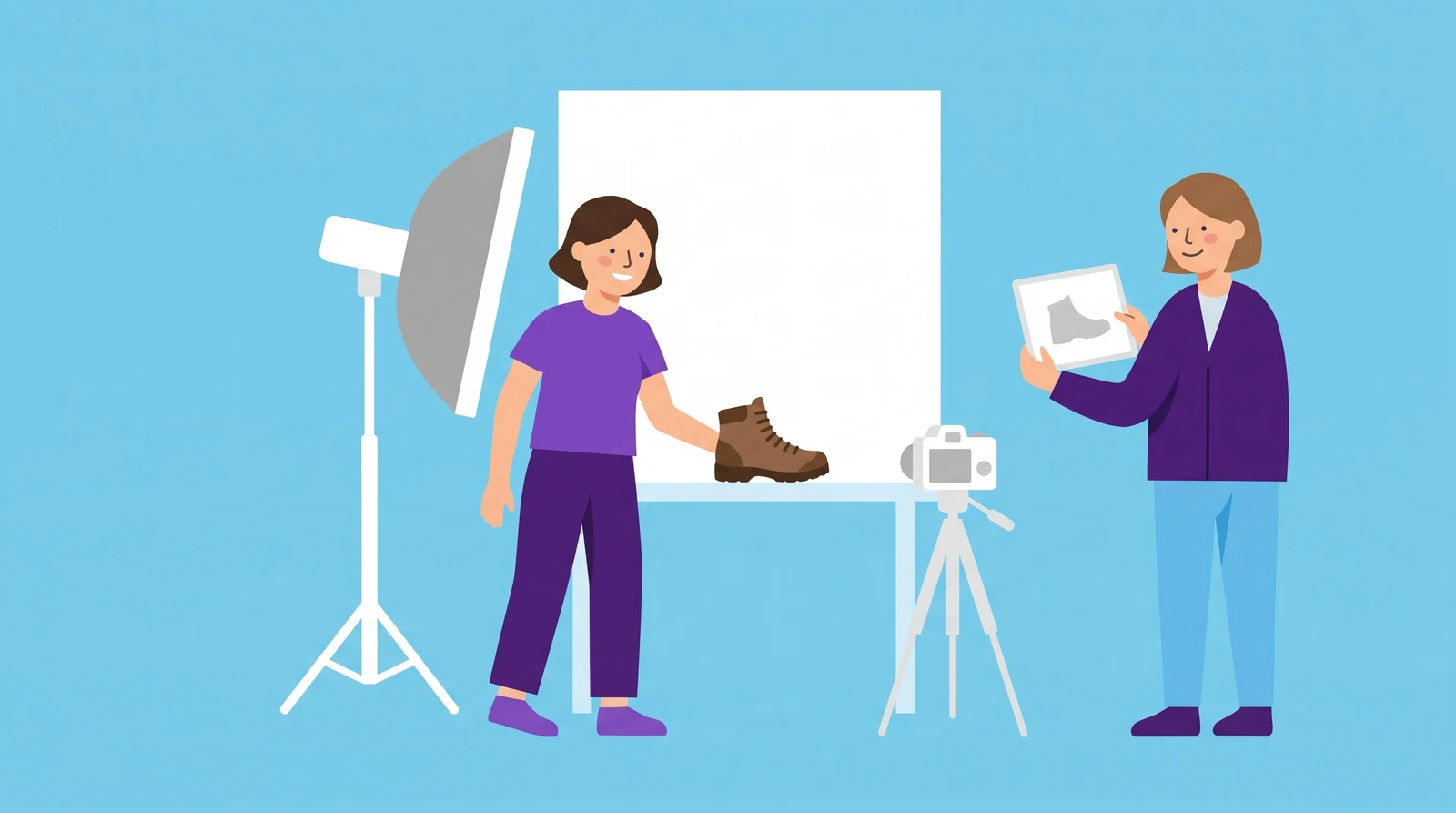
The image is the first thing a customer sees in a Shopping ad. According to Google's rules for images a main image with promotional text, a watermark or a border is not approved. The same applies to placeholders and images that do not show the actual product.
Beyond the requirements, Google gives some advice that we follow.
- Submit the largest image you have. Google recommends around 1 500 × 1 500 pixels or larger.
- Let the product fill between 75% and 90% of the image.
- Show the right variant. The green boot should have an image of the green boot.
- Add images from other angles and images of the product in use as additional images.
Merchant Center can fix minor issues such as promotional text by itself with automatic image improvements. My assessment is that it is better to fix the image in the online shop, because the same image is then correct everywhere.
The attributes that control where products appear
Besides the title and image, the feed consists of attributes. These are fields that describe the product, and they are used both to match searches and to divide up your campaigns. Some are required and others are optional.
| Attribute | What it does |
|---|---|
gtin | The product's barcode number. If the product has one and it is missing from the feed, Google says the product may be shown less often. |
brand | The brand. Required for new products, with few exceptions. |
color, size, gender and age_group | Required for clothing in some countries and for products that come in different colours or sizes. |
product_type | Your own way of organising the range. It can be used to split campaigns and reports. |
google_product_category | Google's category. Google sets it automatically, but you can correct it if it is wrong. |
custom_label_0 to custom_label_4 | Your own labels that customers never see. This is where you mark season, margin or bestsellers, for example. |
In my assessment, custom labels are the attribute that does the most for bidding. An example: a shop has products with a 15% margin and products with a 60% margin. With a margin label they can sit in different campaigns or asset groups with different return targets. Products with a high margin can accept a lower target than products with a low margin.
What we fix first
A feed with thousands of products cannot be fixed all at once. This is how we prioritise.
- Products that are blocked. Open the product list in Merchant Center and the Needs attention tab. It shows why products are not being shown and how many are affected. A blocked product is not shown at all, so it comes first.
- Price and availability. Google compares the price in the feed with the price on the product page and can block products where they differ. According to Google, a common cause is that the website is updated more often than the feed.
- The titles of your bestselling products. Check that the first 70 characters say what the product is and that the words customers search for are included.
- The main images of the same products. Replace images with text, a border or the wrong variant.
- GTIN and brand. Fill in what is missing for products that have a barcode.
- Custom labels. Mark margin and season so that the campaigns can be split accordingly.
The order follows the same thinking as when we audit a Google Ads account. Whatever stops the ads completely is fixed before whatever only makes them slightly better.
Search terms show which words are missing
The search terms report for a Shopping campaign shows which searches actually triggered your products. Read it with the titles alongside. If customers search for a word that is missing from the title, you have found your next fix. Searches that never lead to a purchase can become negative keywords instead, and the article on negative keywords as a daily routine describes how that routine works.
For Performance Max there are search term insights that group searches into categories. They give a rougher picture but are enough to see whether the products appear for the right kind of searches.
Change the feed without touching the online shop
The titles in the feed often come straight from the product names in the online shop. There they are written for a customer who is already on the product page. Merchant Center offers two ways to change them for Google without changing the shop.
- Attribute rules change values when the feed is read in. You can, for example, put the brand first in every title within a category or replace a word.
- A supplemental data source can be a Google Sheet with the product ID and a new title. It adds or replaces values in the main feed.
Both require the Advanced data source management add-on, which you turn on under Add-ons in Merchant Center. The title in the feed must still match the product on the page.
Start with your bestselling products
The next step is to open the Needs attention tab and pull up the titles of the products that sell the most. That is enough to see whether the feed is written for Google or only for the online shop.
When we run Google Ads for an online shop, Merchant Center and the product feed are included. We fix blocked products, rewrite titles based on what customers search for and add custom labels for margin and season so that bidding follows the business. You can read more about how we work with e-commerce and brands on our services pages.
When did someone last read through the titles of your ten bestselling products?

Daniel Masajada is the founder of DigitalMassa and has worked with search since 2010.
Want to know where you stand?
The audit shows where your online store is missing in Google Ads and in organic search compared with your competitors. Free for 27 more days. Valued at 15 500 SEK.
Read more
 Standard Shopping or Performance Max: Which Suits Your Online Store?The differences between Standard Shopping and Performance Max in Google Ads and when each campaign type suits an online store. With a table comparing them on twelve points.
 When Performance Max Buys Your Brand: How to Spot ItPerformance Max can take credit for sales from people who already searched for your name. How to spot it in the reports and stop it with brand exclusions.
 Microsoft Ads (Bing Ads): Who You Reach and How to Get StartedMicrosoft Ads was formerly Bing Ads and often has lower click prices than Google. How to reach its users, import your Google campaigns and measure the results.