Internal Links: Help Google and AI Services Find the Right Page
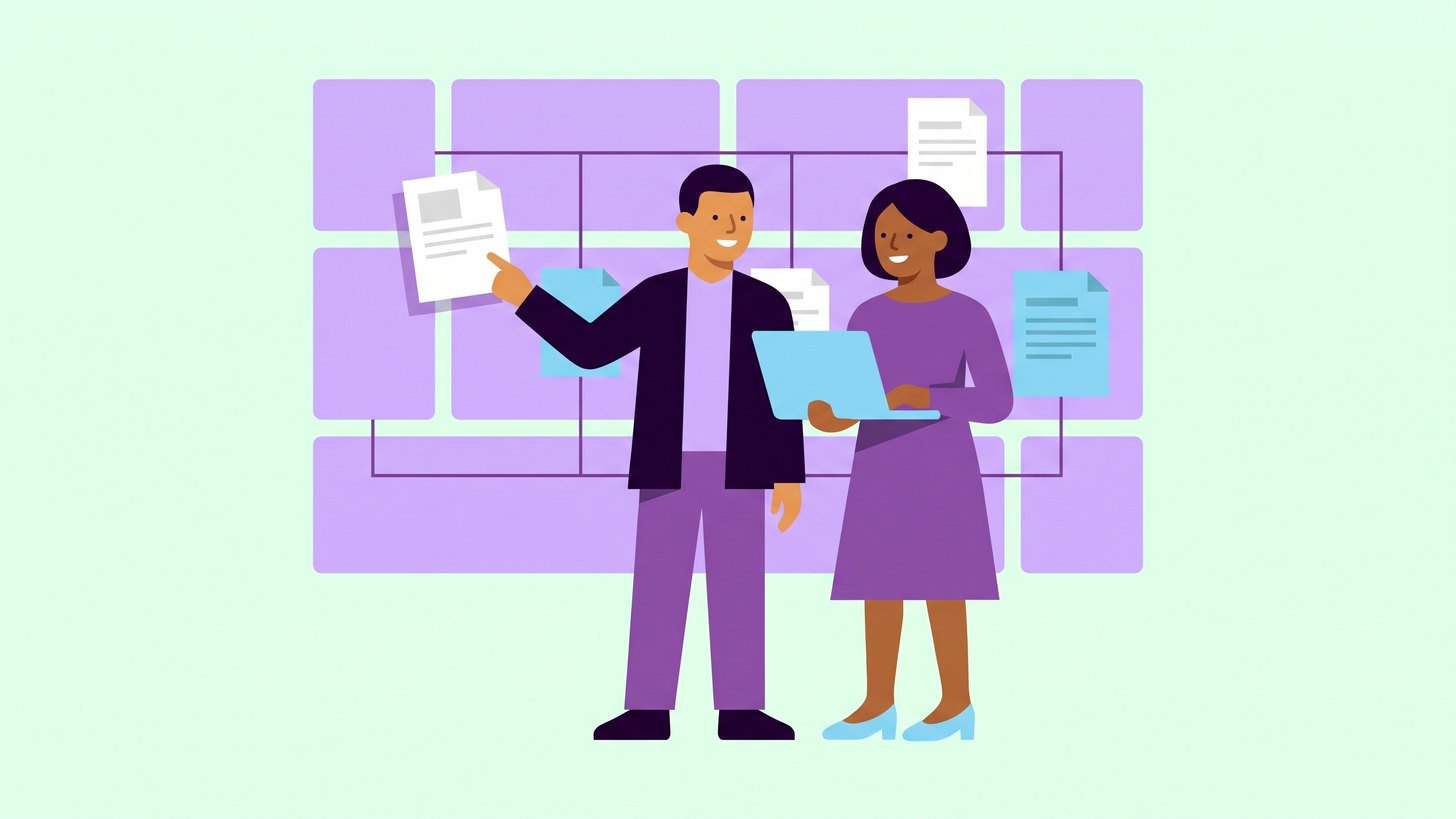
Internal links are the links between the pages on your own website. They sit in the menu and in the body text, and they determine how easy it is to get from one page to another. In this post I go through what the links do for Google and the AI services and how you can check them yourself.
The subject is worth raising now because Google lists internal links among its advice for appearing in AI Overviews and AI Mode. At the same time, it is easy for new pages to end up without links as a website grows.
My recommendation is to start with a single check of which of your most important pages have few or no links from the rest of the website. You can do it in a spreadsheet without any new tools.
How links help Google and your visitors
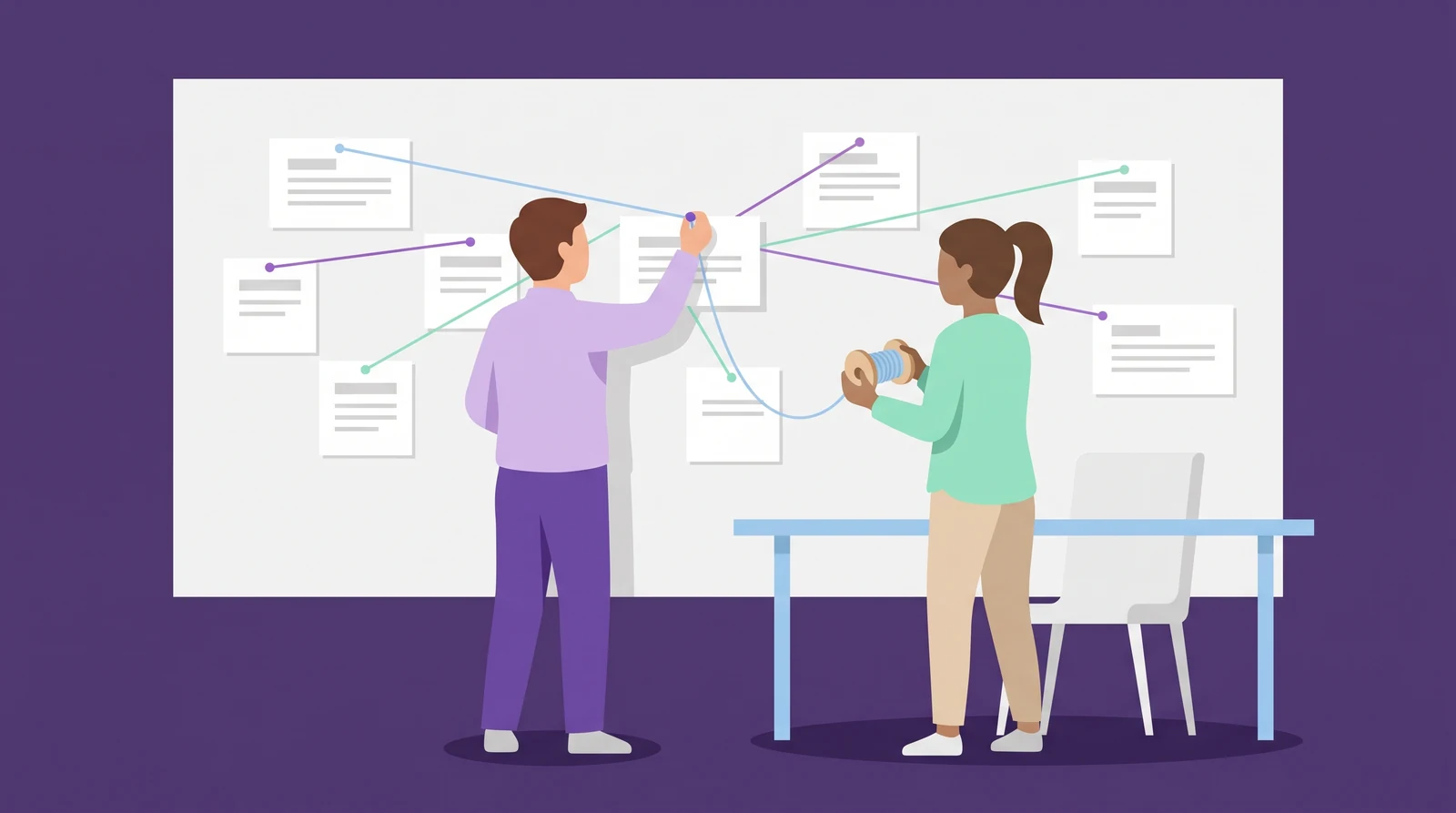
According to Google, the search engine primarily finds pages through links from pages it has already crawled. That is why Google also writes that every page you care about should have a link from at least one other page on your site.
A sitemap is a file that lists the pages on your website, and it is a good complement. Google does write, however, that a sitemap does not guarantee that the pages will be crawled and indexed. So it does not replace the links.
For the visitor, the link does a similar job. Someone reading about a service often wants to know what it costs, and a link in the right paragraph takes them there without a detour through the menu.
What the AI services say about links
Here it is important to separate what the companies write themselves from what is my interpretation. AI services use crawlers, which are programs that read websites on their behalf.
| Service | What is known | What it means for you |
|---|---|---|
| Google's AI Overviews and AI Mode | Google lists internal links among its advice and requires no special files or markup. | The same work applies as for regular search. |
| Bing and Copilot | Microsoft's advice for the Bing index is to link every page to at least one other page that can be discovered and crawled. Bing's guidelines also cover Copilot, according to Microsoft. | The advice resembles Google's. |
| ChatGPT | OpenAI describes the OAI-SearchBot crawler used for ChatGPT's search but does not say there how it finds new pages. | That links help here too is my interpretation. |
I have not found any source from the companies that says how much internal links affect whether a business is mentioned in an AI answer. My assessment is that links help the services find the page, and that the content on the page then determines whether it is used.
Links are only useful if the crawlers are allowed to read the pages. I cover that in the post on robots.txt for AI crawlers.
Links must be ordinary links in the code
Google can only follow links that are ordinary a elements with an href. This is a matter for whoever builds the website, and the difference looks like this:
Works:
<a href="/en/services">Our services</a>

Risks being missed:
<a onclick="goto('/en/services')">Our services</a>
JavaScript is code that runs in the browser. Google runs that code and then looks for links once more in the finished page.
AI crawlers appear to work differently. In a measurement from December 2024, Vercel found that the major AI crawlers did not run JavaScript. Gemini was an exception because it uses Google's infrastructure.
The measurement is almost two years old and things may have changed. My assessment is still that your main links should be in the code the web server sends. Ask whoever runs the website to open the page's source code and search for the address of an important subpage. If the address is missing there, the link may be invisible to crawlers that do not run JavaScript.
Write link text that says where the link goes
Link text is the clickable words. Google writes that it should be descriptive and reasonably concise, and it treats text such as “click here” and “read more” as too generic. The examples below are invented.
| Too generic | Clearer link text |
|---|---|
| Read more | Heat pump service prices |
| Click here | How an installation works |
| Article | Guide to choosing a heat pump |
A simple test is to read the link text on its own. If you can then tell where the link goes, it is probably good. The text should also sound natural, because Google treats link text stuffed with keywords as spam.
How to find the pages that lack links
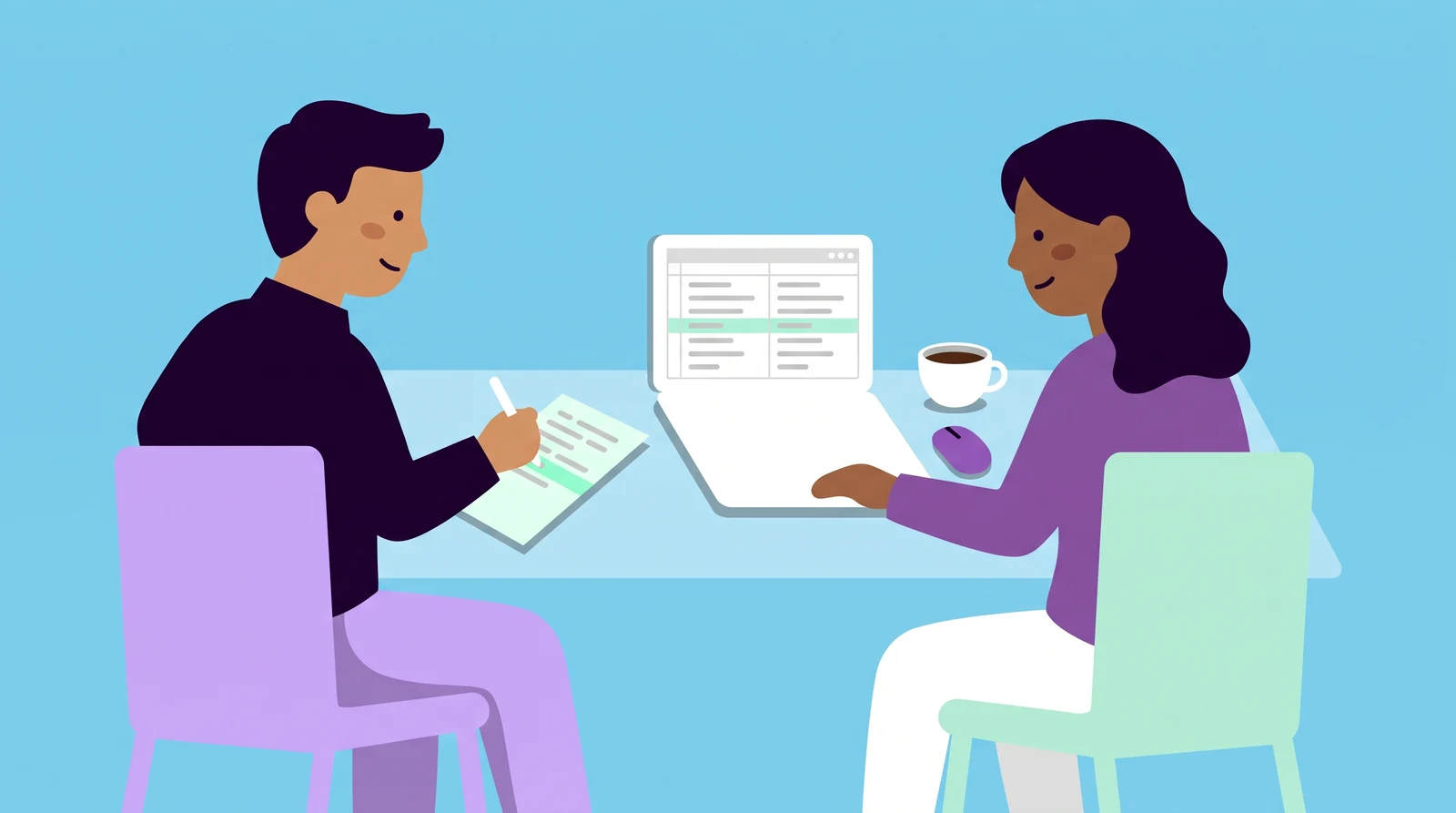
Search Console is Google's free tool for website owners, and that is where you do the check:
- Open the Links report in Search Console and go to the section on internal links. There you can see which pages get the most links from your own website.
- Export the table to a spreadsheet.
- Put all the addresses from your sitemap in a column alongside it.
- Mark the addresses in your sitemap that are missing from the export. These are candidates for pages without internal links.
- Check the candidates by hand. The report shows a sample, the tables stop at 1,000 rows, and it can also show links that have already been removed.
- Start with the pages that sell, and add links to them from pages with similar content.
Also look at the top of the table. If your most important pages are far down, they have fewer links than pages that matter less to the business.
Screaming Frog is a program that goes through a website roughly as a search engine does. The free version handles 500 addresses and can be an option for a smaller website.
Which pages should link to each other
Google writes that there is no ideal number of links on a page. My assessment is that the following order is enough for most websites:
- The menu links to your most important services or categories.
- Each service page links to related services and to the page where the visitor takes the next step.
- Each blog post links to the service it belongs with and to at least one related post.
- If you have several offices or franchisees, each location page can be reached from a page that collects the offices.
Links from other websites are a separate matter, and there it comes down to quality. I cover that in the post on your link profile.
How to follow up on the change
According to Google, a change can show up within hours or take months, and Google suggests waiting a few weeks before judging the effect. So write down the date and which pages you changed. Then compare these three things:
- the number of internal links to the page in the Links report
- whether the page is in Google's index according to Search Console
- impressions and clicks for the page in Search Console
If you want to follow the AI answers, you should measure by question and audience, because an average can hide where you are missing. If you change a lot at once, it is rarely possible to say what produced the effect.
Next steps for your website
Within SEO, we can go through the links on your website and give you a list of which links should be added and where. If you also want to know whether your pages appear in the answers, we measure that within AI search visibility.
Start with your five most important pages and count how many other pages link to each of them. Which one has the fewest links today?

Daniel Masajada is the founder of DigitalMassa and has worked with search since 2010.
Want to know where you stand?
The audit shows what you are missing in Google and in AI search right now. Free for 74 more days. Valued at 15 500 SEK.
Read more
 How to Improve Your Search Ads in Google AdsHow search advertising in Google Ads works and what to improve first, from keywords and ad copy to Quality Score, landing pages and tracking. With answers to common questions.
 Negative keywords: a daily routine that stops costly clicksA short review of your search terms every morning stops clicks that never become business. Here is the routine and how to pick a match type for each negative.