
Remarketing for Long Buying Decisions: Audiences by Stage

Remarketing means showing ads to people who have already visited your website or watched your videos. For a trip or an expensive purchase, a long time often passes between the first visit and the purchase. Someone looking at a holiday in January may book in April, and someone comparing kitchens may need six months before the decision is made.
During that time, visitors are in very different places. One has read a guide about a destination while another has chosen dates and looked at the price. If both get the same ad, it is too pushy for one and too general for the other.
My recommendation is to divide visitors into audiences based on where they are in the buying journey. Each audience gets its own membership duration and its own message, so the ads follow the visitor through the whole decision.
How remarketing works in Google Ads
In Google Ads, remarketing lists are called your data segments. You find them in Audience manager in the shared library. A segment can be based on website visits, views of your YouTube videos, a customer list or an audience you have built in Google Analytics 4 and shared with Google Ads.
The segments can be used in Search, Display, YouTube, Demand Gen and Performance Max. In Search campaigns you choose between two settings.
- Targeting shows the ads only to people in the segment.
- Observation does not affect reach but shows how the segment performs, so you can steer bidding accordingly.
Google requires a minimum number of active users in the last 30 days before a segment can show ads. A narrow segment for a single destination may therefore be too small to use.
Google used to be able to create similar audiences from your segments as well. According to Google's announcement they stopped being generated in May 2023 and were removed from all campaigns in August the same year. Google now points to optimised targeting and Smart Bidding instead. That makes your own segments more important, because they are the audience you control yourself.
Four stages in the buying journey
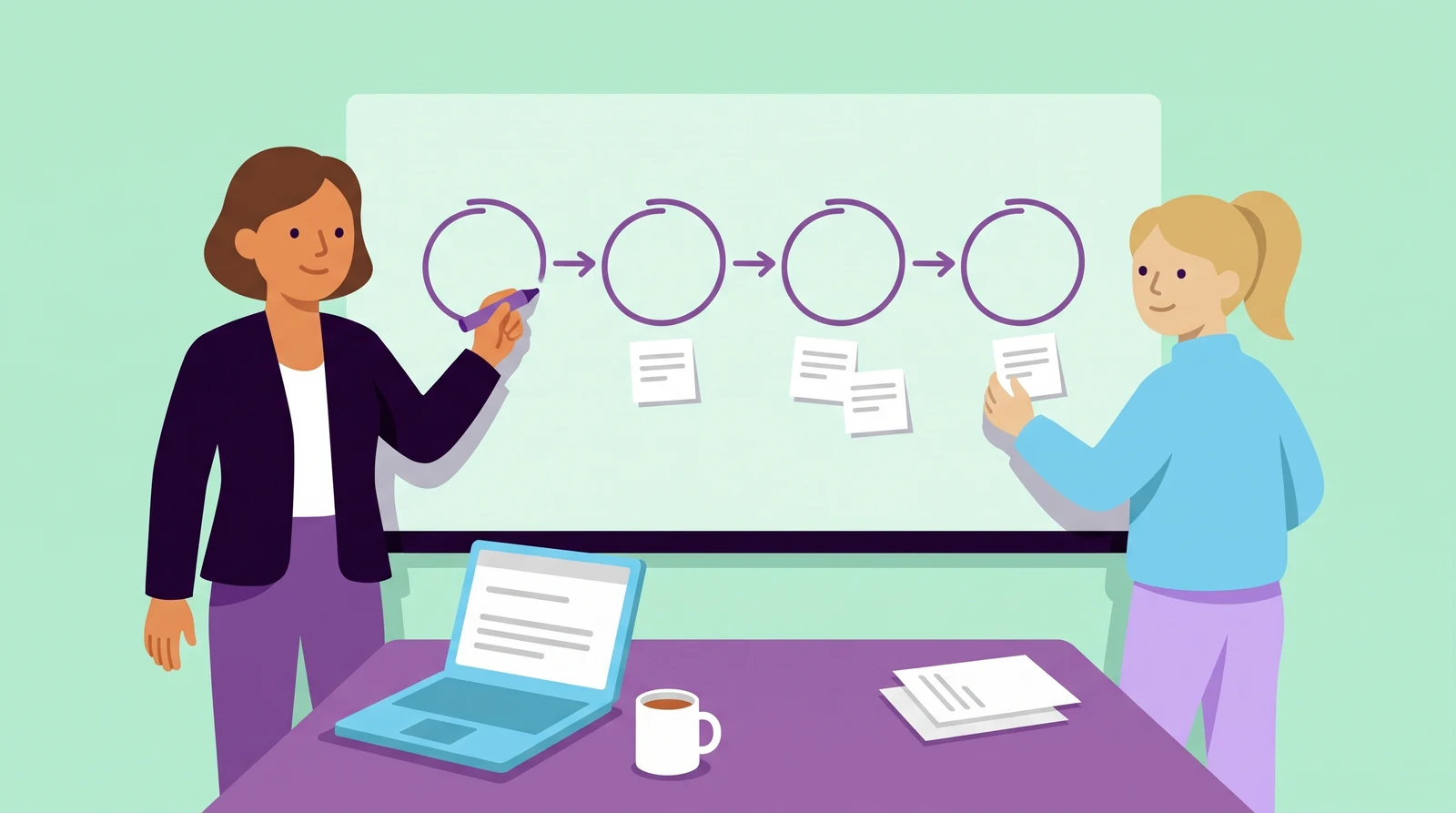
This is how we divide visitors when the purchase takes a long time. The line between the stages is set by what the visitor has done on the website.
| Stage | What the visitor has done | What the ad does |
|---|---|---|
| Inspiration | Read about a destination, a category or a guide | Shows more options and why you are a good choice |
| Comparison | Looked at a specific trip or product and at the price | Answers questions about terms, payment and guarantees |
| Intent | Started a booking, requested a quote, booked a viewing or added something to the basket | Reminds them what is left and makes it easy to continue |
| Customer | Booked or bought | Is excluded from the sales ads or gets something related to the purchase |
An example: a travel agency selling package holidays. Someone who has read a guide about a destination ends up in the inspiration stage. Someone who has chosen a departure date and seen the price ends up in the comparison stage. Someone who has started a booking but not paid ends up in the intent stage, and someone who has booked is excluded from the ads for that trip.
The same structure works for other expensive purchases such as kitchens, boats or cars. There, a quote request or a booked viewing can be the intent stage.
Membership duration should follow the buying decision
Membership duration is how long a visitor stays in a segment after their latest visit. According to Google's help page on data segments it is 30 days unless you choose otherwise and can be up to 540 days. Google also says that membership duration should generally be about as long as your sales cycle.
You can see how long your cycle is in Google Ads. Choose a period that ended at least 30 days ago and segment your campaigns by Conversions and Days to conversion. You will then see how many purchases happen on the same day and how many come after several weeks.
The earlier in the buying journey a visitor is, the longer it is until the purchase. An example of membership durations for a trip booked a few months in advance:
- Inspiration: 180 days.
- Comparison: 90 days.
- Intent: 30 days.
- Customers: roughly as long as the usual time between booking and departure.
Also think about the conversion window. That is the time after a click during which a purchase is credited to the ad. The window is 30 days unless you change it, and for Search and Display you can choose up to 90 days depending on how the conversion is measured. If many purchases take longer than 30 days, some of them never show up in the account.
Exclude those who have moved further along
A segment becomes clearer through what you exclude. In Audience manager you can build combined segments with a custom combination that removes visitors in later stages. Google Ads also creates its own segment with everyone who has converted, called All converters.
- Exclude intent and customers from the inspiration segment.
- Exclude customers from comparison and intent.
- Exclude pages for jobs, login and customer service when you build the segments. People looking for a job or logging in are rarely buyers.
- Check the optimised targeting setting in Display and Demand Gen.
The last point is easy to miss. When optimised targeting is switched on, your segments are used as signals and the ads can be shown to more people than those in the segment. If the campaign should only reach previous visitors, switch it off in the ad group. In Performance Max the segments are always signals and the campaign also looks for new customers.
Consent controls how large the segments become
A visitor who has not accepted personalised ads in your cookie banner does not end up in the segments. According to Google's documentation on Consent Mode remarketing receives no data when consent for personalised ads is missing. The segments are therefore smaller than the number of visitors, and that is expected. The article on Consent Mode and what disappears from your data explains what else goes missing from the numbers.
One message for each stage
My assessment is that the message is what most often gets forgotten. The same image of the same trip for four months eventually becomes an ad nobody notices. Give each stage its own ads and change images and copy at regular intervals.
- In the inspiration stage, destinations, ideas and guides work well.
- In the comparison stage, what sets you apart works well, such as terms, payment, guarantees and reviews.
- In the intent stage, a clear reminder of the trip or product the visitor looked at works well.
In Search campaigns, segments can make it possible to buy broader keywords only for previous visitors. One example is trip to asia, which is too broad for everyone but can work for someone who has already looked at your trips. The article on one ad text per search intent explains how the copy is adapted to the search.
In Display campaigns you can also set a frequency cap so that the same person does not see the ad too often. I go through how Display campaigns are set up in the article on display advertising in Google.

Remarketing often looks better than it is
Remarketing reaches people who are already interested, and some of them would have bought anyway. My assessment is that reports therefore often give remarketing more credit than it deserves. Also follow how sales in the whole account develop when you change the segments.
Next step
Open Audience manager and see which segments exist and what membership duration they have. Compare the membership duration with how long your purchases usually take.
When we run Google Ads, we build the segments around the buying journey, set membership durations from the account's own numbers and write ads for each stage. You can read more about how we work with experiences, media and travel on our services pages.
Do people who have already booked with you still see the same ads as those who have only looked?

Daniel Masajada is the founder of DigitalMassa and has worked with search since 2010.
Want to know where you stand?
The audit shows how you appear in Google and in AI search before you put more budget into display. Free for 27 more days. Valued at 15 500 SEK.
Read more
 YouTube Ads: Turn Off Google's Videos and Show Your OwnGoogle makes its own videos from your images in Performance Max and Demand Gen. How to turn them off and make a video of your own that works as an ad.
 Custom Publisher List in the Google Display Network: Step by StepHow to build your own list of websites where your display ads may appear in the Google Display Network. Step by step from criteria and ads.txt to follow-up.
 Display Advertising in Google: Formats, Audiences and MeasurementWhat display advertising in the Google Display Network is, which formats and audiences exist and in which order to prioritise them. Also covers bidding, realistic CTR and measurement.