Google Shopping for E-commerce: How to Get Started

Google Shopping shows your products with an image and a price right among the search results. My recommendation is to start with your best-sellers in a standard Shopping campaign and expand once there is data.
The foundation is a Google Merchant Center account and a product feed. The feed is the file or connection from your e-commerce platform that sends details about each product to Merchant Center. You then link Merchant Center to Google Ads and create the campaign there. Also set up conversion tracking on your website, because otherwise Google may limit what the campaign spends. If customers pay through Klarna or PayPal, you also need to exclude them as referrals in GA4.
The same feed gives you free listings, which show your products at no cost on the Shopping tab and in Google Images, among other places. They are available in Sweden and are switched on by default in new Merchant Center accounts.
Is Google Shopping right for your online store?
Four questions show whether this is the right time to start.
- Is the budget big enough? Work out how many clicks you need for 30 sales in 30 days and what those clicks cost. That is my rule of thumb for when automated bidding has enough data to learn from. Google itself requires at least 15 conversions in the past 30 days for the Target ROAS bid strategy in Shopping.
- Does your website already sell? If few visitors buy today, it will not get better because Shopping sends you more of them.
- Are your prices competitive? The ad shows the price before the customer clicks. Compare yourself with others in your industry and with big players such as Amazon.
- Can you wait for results? My recommendation is to give the campaigns at least three months before you evaluate them.
How to get started with Shopping ads
- Put most of the budget into Shopping. Shopping ads probably account for the largest share of what an online store sells through Google Ads.
- Start with your best-sellers. Do not launch your whole range at once. The best-selling products give you data fastest and bring in the first revenue.
- Put the rest of the range in a separate campaign. Give it lower bids. That way the whole range is visible and you can see which products are worth investing more in.
- Start with simple bidding. Manual CPC and Maximize clicks with a maximum CPC bid limit do not require any conversions. Keyword Planner shows approximate click prices for searches for your products as a first indication. In my experience, clicks in Shopping often cost less than in search ads.
Expand once you have data
- Move to automated bidding. Once the campaign has around 30 conversions a month, you can test the Target ROAS bid strategy or Maximize conversion value. Both require conversions. It is also a good time to look at the difference between Standard Shopping and Performance Max, which replaced Smart Shopping campaigns in 2022.
- Broaden the range. Put more budget behind the products in the second campaign and split them into more product groups based on how they sell.
- Use the search terms in search ads. The search terms report shows what customers actually searched for when your Shopping ads appeared. Those terms can become keywords in search ads that complement Shopping.
- Test more campaign types. Dynamic remarketing shows ads to previous visitors based on what they looked at. According to Google, Dynamic Search Ads will be upgraded automatically to AI Max from February 2027. A new test is therefore better run with AI Max in a Search campaign.
Frequently asked questions about Google Shopping
- What does Google Shopping cost? You pay per click and the click price depends on your industry and the competition. The budget needs to cover traffic every day for at least three months before you can expect stable results.
- What makes the biggest difference to results? My assessment is that the product feed makes the biggest difference. Google matches searches against the details in the feed, and the customer sees the title and image in the ad.
- Do we need help from an agency? No, you can run Shopping yourself. There is more to keep track of as you expand with more campaigns and automated bidding. If you want to bring in help, there are a few things to look for when you choose a Google Ads agency.

Daniel Masajada is the founder of DigitalMassa and has worked with search since 2010.
Want to know where you stand?
The audit shows where your online store is missing in Google Ads and in organic search compared with your competitors. Free for 79 more days. Valued at 15 500 SEK.
Read more
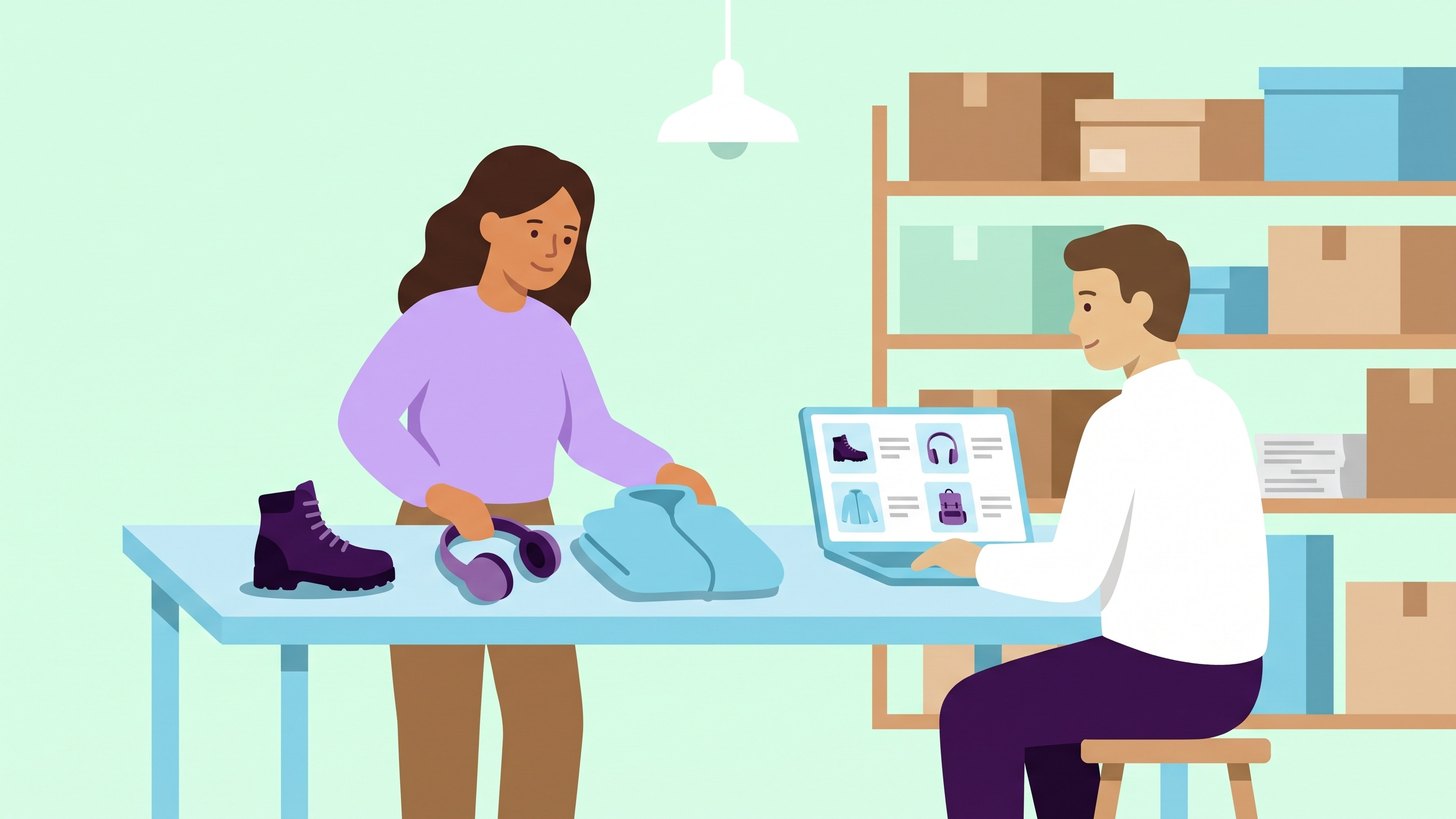 Your Product Feed Is the Ad: How to Fix Titles and ImagesIn Shopping and Performance Max, Google builds your ads from the product feed. How to fix titles, images and attributes in Merchant Center, and in what order.
 Standard Shopping or Performance Max: Which Suits Your Online Store?The differences between Standard Shopping and Performance Max in Google Ads and when each campaign type suits an online store. With a table comparing them on twelve points.
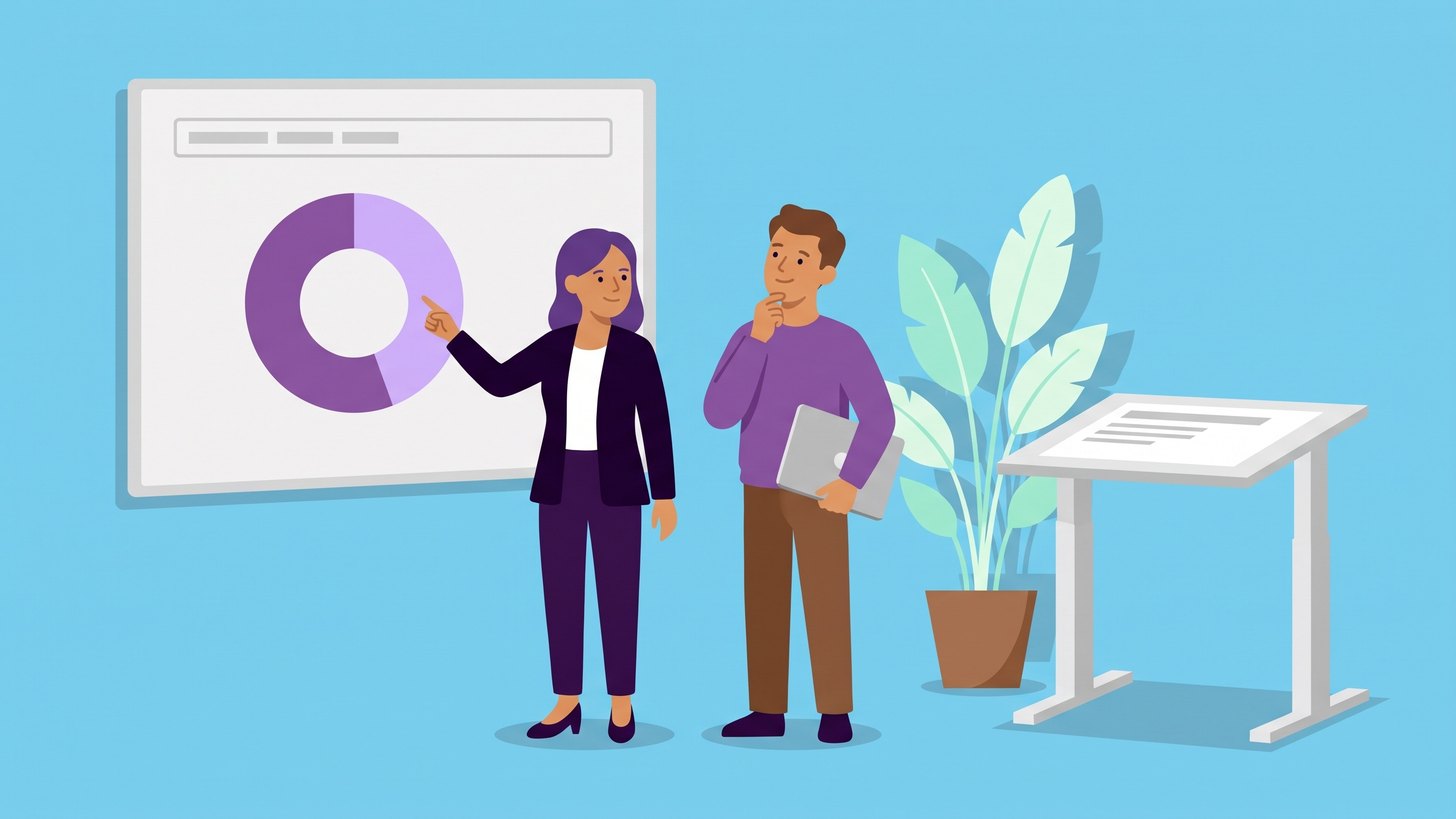 When Performance Max Buys Your Brand: How to Spot ItPerformance Max can take credit for sales from people who already searched for your name. How to spot it in the reports and stop it with brand exclusions.